51 Best AI Tools for HR in 2026 (Every Category, Ranked)
Summarize with:




Here's a problem nobody talks about: almost every "best AI tools for HR" article online is written by a vendor ranking its own product first.
Gusto puts Gusto at #1. Rippling puts Rippling at #1. HiBob puts HiBob at #1. You get the idea.
We don't sell HR software. So instead of a sales pitch, you're getting a straight answer: 51 tools, organized by what they're actually for with real pros, real cons, and pricing where we could confirm it.
This is a long list. (It has to be. HR touches payroll, recruiting, onboarding, engagement, learning, and analytics, and no single tool does all of it well.) So we split it into five categories:
1. Core HCM, payroll, and enterprise operations
2. Talent acquisition and applicant tracking
3. Performance, engagement, and productivity
4. Learning, knowledge, and employee support
5. Foundational automation and generative utilities
Jump to whichever one matches your problem. Or read straight through if you're building a full HR stack from scratch.
Who this is for
- HR managers and generalists buried in admin work
- Recruiters and talent acquisition teams
- HR directors and CHROs evaluating a platform switch
- Founders building their first HR stack
- Staffing agencies screening high candidate volumes
How we evaluated these tools
Five things, for every single tool on this list:
1. Real AI vs. AI-washing. Does it use actual machine learning or generative AI, or is it a chatbot bolted onto old software?
2. Integration depth. Does it connect to the HRIS or ATS you probably already run?
3. Pricing transparency. Is there a real number, or just "Contact Sales"?
4. Compliance readiness. Does the vendor address bias auditing and AI governance?
5. Ease of rollout. Can a lean team implement this without a six-month IT project?
One honest note: a lot of vendors in this space still hide pricing behind a sales call. Where we couldn't confirm a hard number, we say "custom" rather than guess. HR software pricing shifts often, so verify anything below before you budget against it.
What "AI in HR" actually means
Quick definition, because the term gets thrown around loosely.
AI tools for HR are software platforms that use machine learning, natural language processing, or generative AI to automate and improve recruiting, onboarding, engagement, performance, payroll, and analytics. The goal is less manual admin, more predictive insight.
Three flavors exist:
- Traditional automation. Rules-based. If X happens, do Y. No learning involved.
- Generative AI. Writes, drafts, and summarizes. Job descriptions, review summaries, policy docs.
- Agentic AI. Takes multi-step action on its own without a human triggering each step. Still early, but it's the biggest shift coming to this space.
Most tools below are generative or automation-based. We'll flag the few doing real agentic work as we go.
Category 1: Core HCM, Payroll, and Enterprise Operations
This is the system of record: the software that runs payroll, tracks headcount, and holds every employee's data. In 2026, the best of these have moved past static databases into something closer to a predictive assistant.
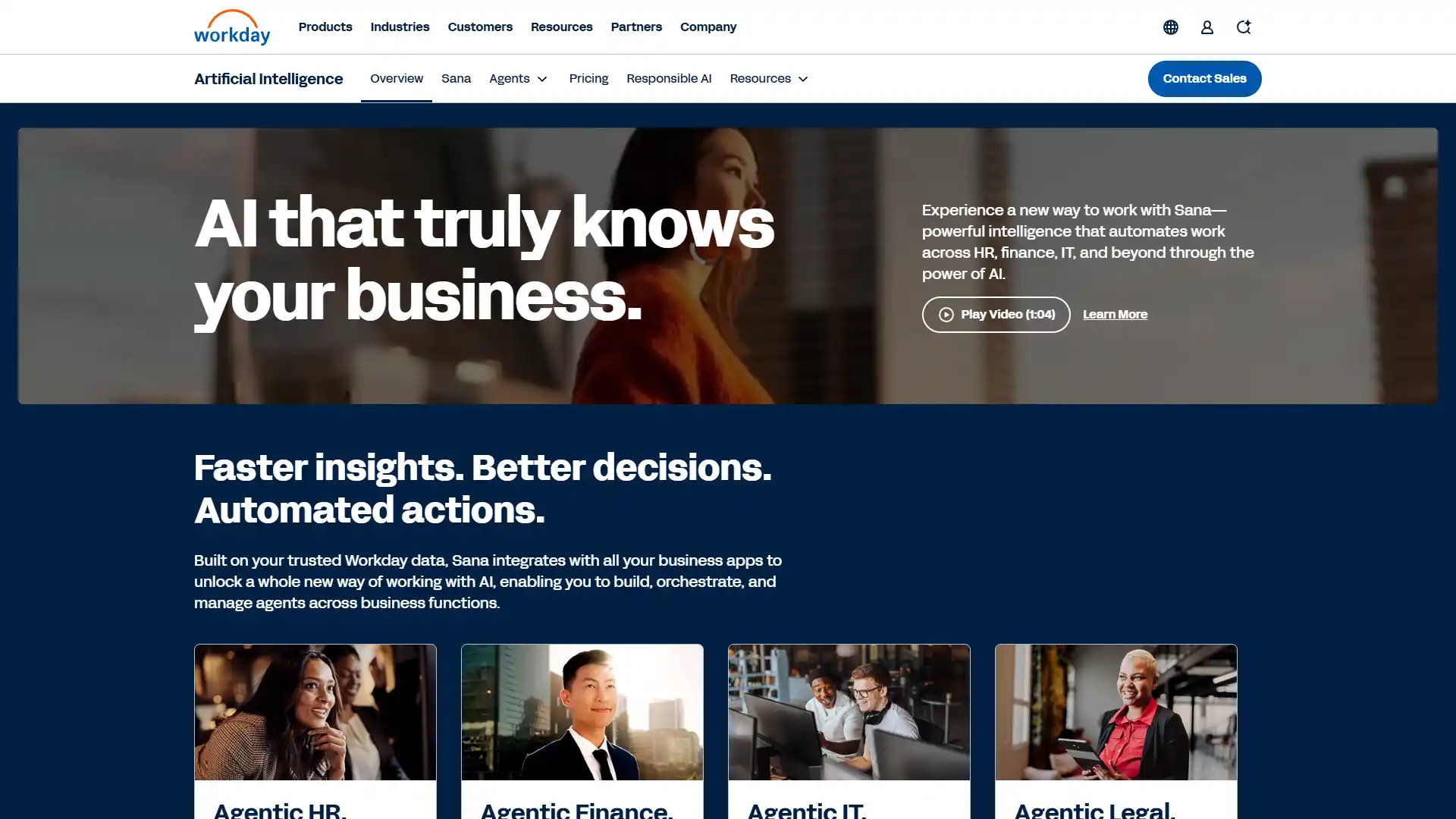
1. Workday
Best For
Global enterprise HCM with AI embedded throughout.
Pricing
- Custom enterprise pricing.
- No free plan.
Key AI features: Illuminate Agents, predictive forecasting, anomaly detection, an Agent Gateway for building custom third-party integrations.
Who should use it: Large, multinational enterprises that already run complex finance operations alongside HR.
Skip it if: You're under 500 employees. This is enterprise-grade software with an enterprise-grade price tag and timeline.
Pros
- One data architecture spanning HR and finance means you're not reconciling numbers between two systems.
Cons
- High total cost of ownership, and deployments routinely take months, not weeks.
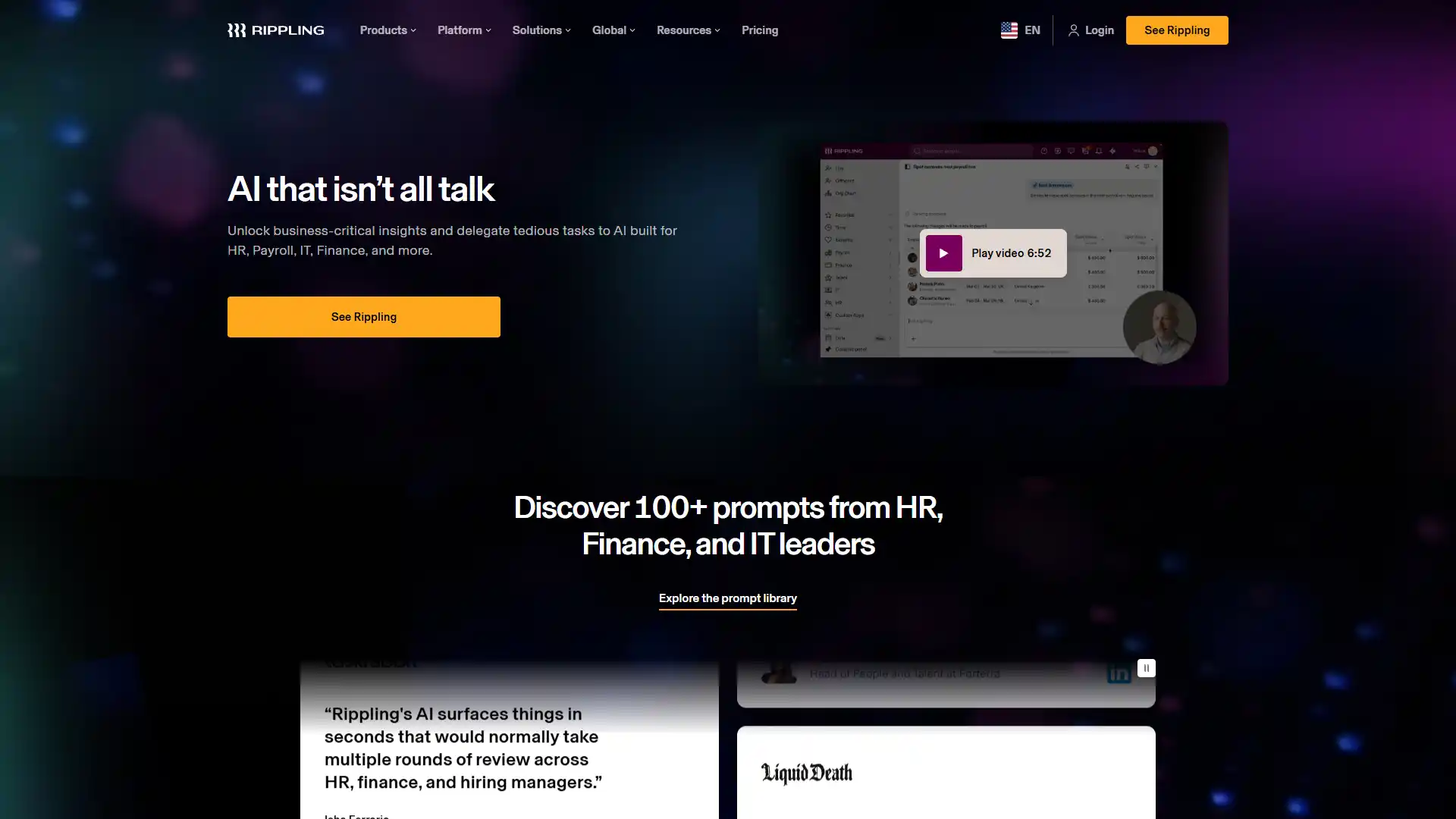
2. Rippling
Best For
Unifying HR, IT, and finance in one automated system.
Pricing
- Custom, modular.
- No free plan.
Key AI features: Workflow orchestration across HR, IT, and finance, automated compliance alerts, natural language querying across modules.
Who should use it: Growing companies, roughly 50 to 500 employees, that want one system instead of five disconnected tools.
Pros
- Genuinely eliminates the manual handoffs between HR and IT that waste hours during onboarding.
- Also includes global Employer of Record capabilities natively.
Cons
- The modular add-on pricing compounds fast.
- Get a full quote covering everything you'll actually use before signing.
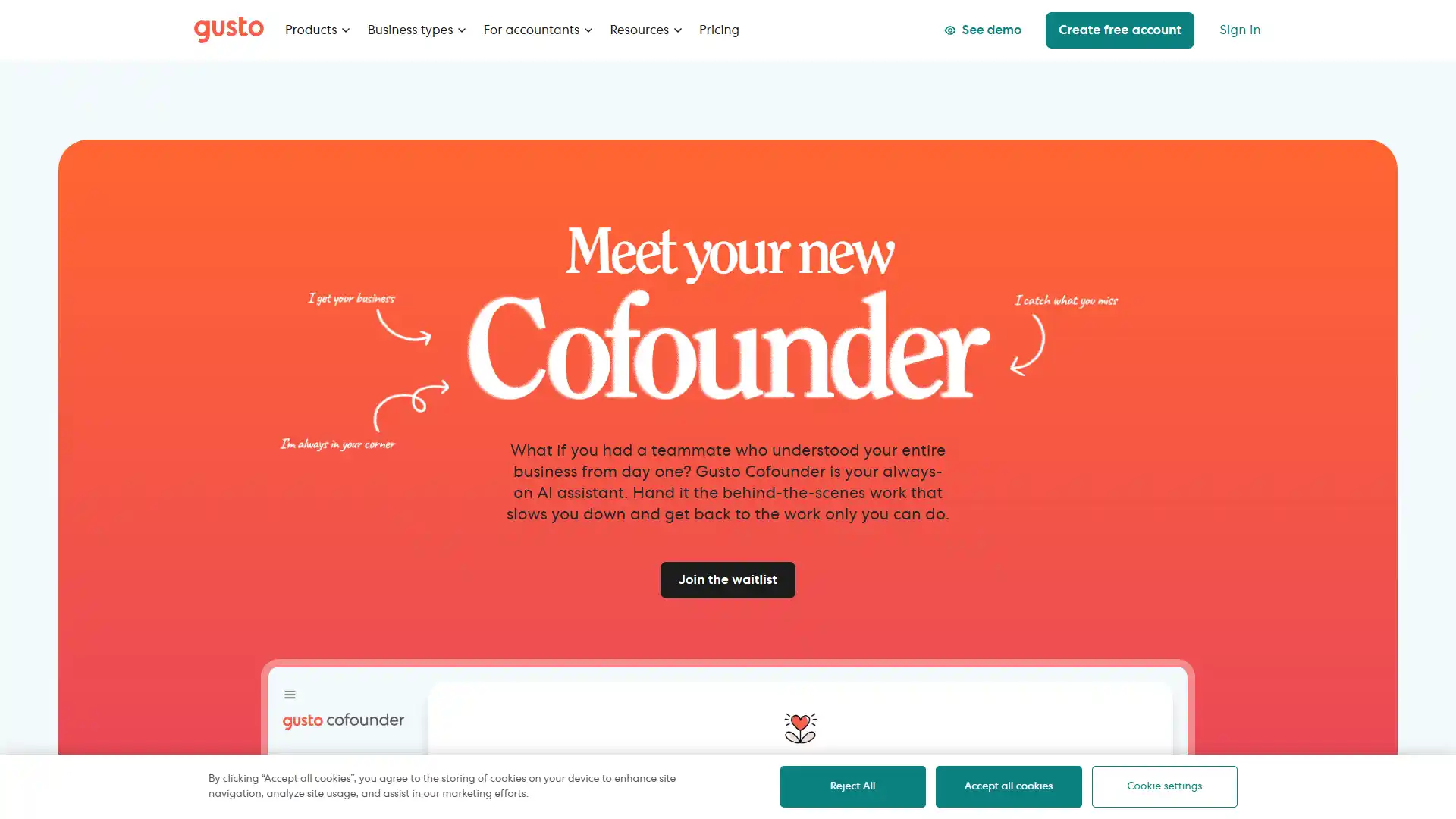
3. Gusto
Best For
Small business payroll with AI-driven compliance.
Pricing
- Starts around $40/month plus per-employee fees.
- No free plan.
Key AI features: "Gus" AI assistant, compliance tracking, AI-suggested shift scheduling, automated multi-state tax filing.
Who should use it: SMBs that need payroll, benefits, and onboarding in one place without hiring a specialist to run it.
Pros
- The cleanest interface in this category, by a wide margin.
- Employees actually enjoy using it.
Cons
- Not built for multinational payroll complexity.
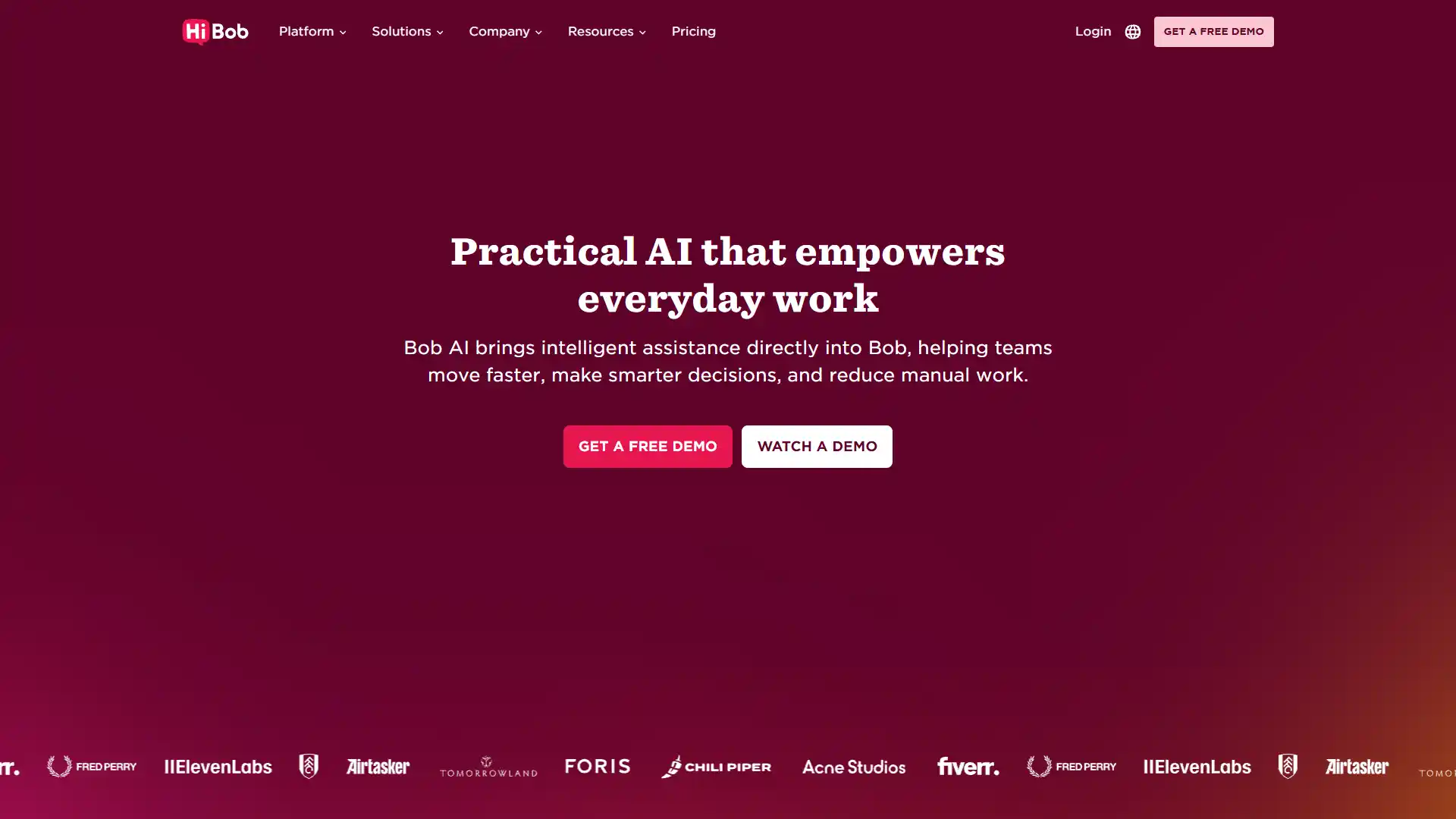
4. HiBob
Best For
Culture-focused mid-market companies scaling fast.
Pricing
- Custom.
- No free plan.
Key AI features: Bob's AI Assistant, sentiment analysis, automated job description generation, dynamic org charts that update by demographic and structure.
Who should use it: Mid-market scaleups (roughly 100 to 1,000 employees) that prioritize culture and employee experience alongside HR ops.
Pros
- Unmatched employee experience compared to legacy HRIS platforms.
Cons
- Custom reporting gets complex fast, and you'll likely need admin training to use it well.
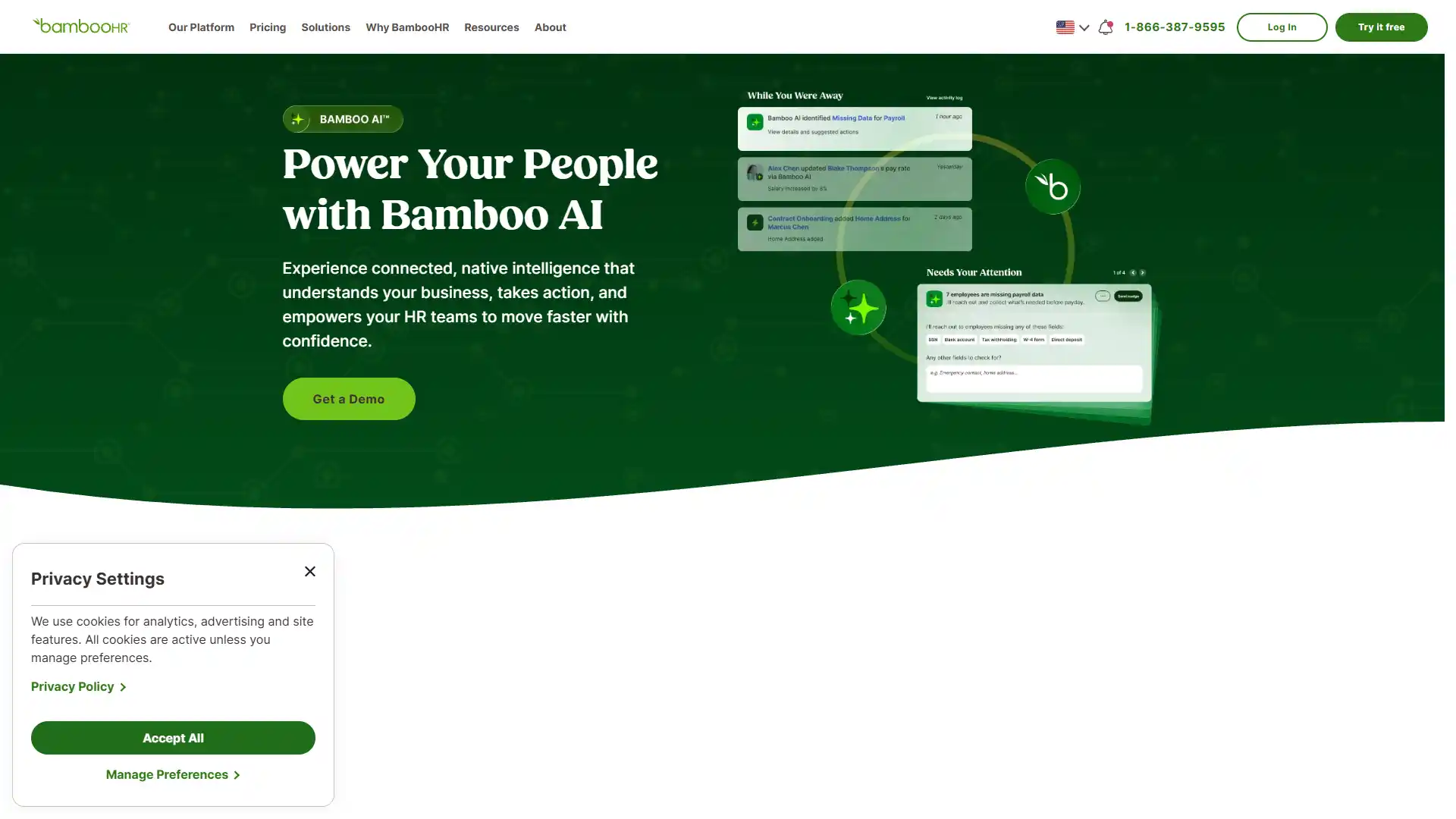
5. BambooHR
Best For
US-based SMB core HR.
Pricing
- Roughly $10 per user/month.
- No free plan.
Key AI features: Predictive reporting, onboarding automation, generative text assistance for peer feedback.
Who should use it: US-based SMBs wanting fast implementation over deep customization.
Pros
- You can be live in days, not months.
Cons
- Enterprise compliance depth is shallow.
- Don't expect this to scale past a few hundred employees without friction.
6. UiPath
Best For
Bridging HR workflows into legacy systems via robotic process automation.
Pricing
- Custom.
- Free tier available for limited use.
Key AI features: Robotic process automation, document parsing, an "Autopilot" interface for natural-language coding, computer vision-based interface scraping.
Who should use it: Enterprises with legacy HR systems that can't be replaced but need modern workflows layered on top.
Pros
- Extremely flexible.
- If a system has no API, UiPath can often still automate around it.
Cons
- Requires developer-level expertise to configure well.
- Not a tool an HR generalist deploys alone.
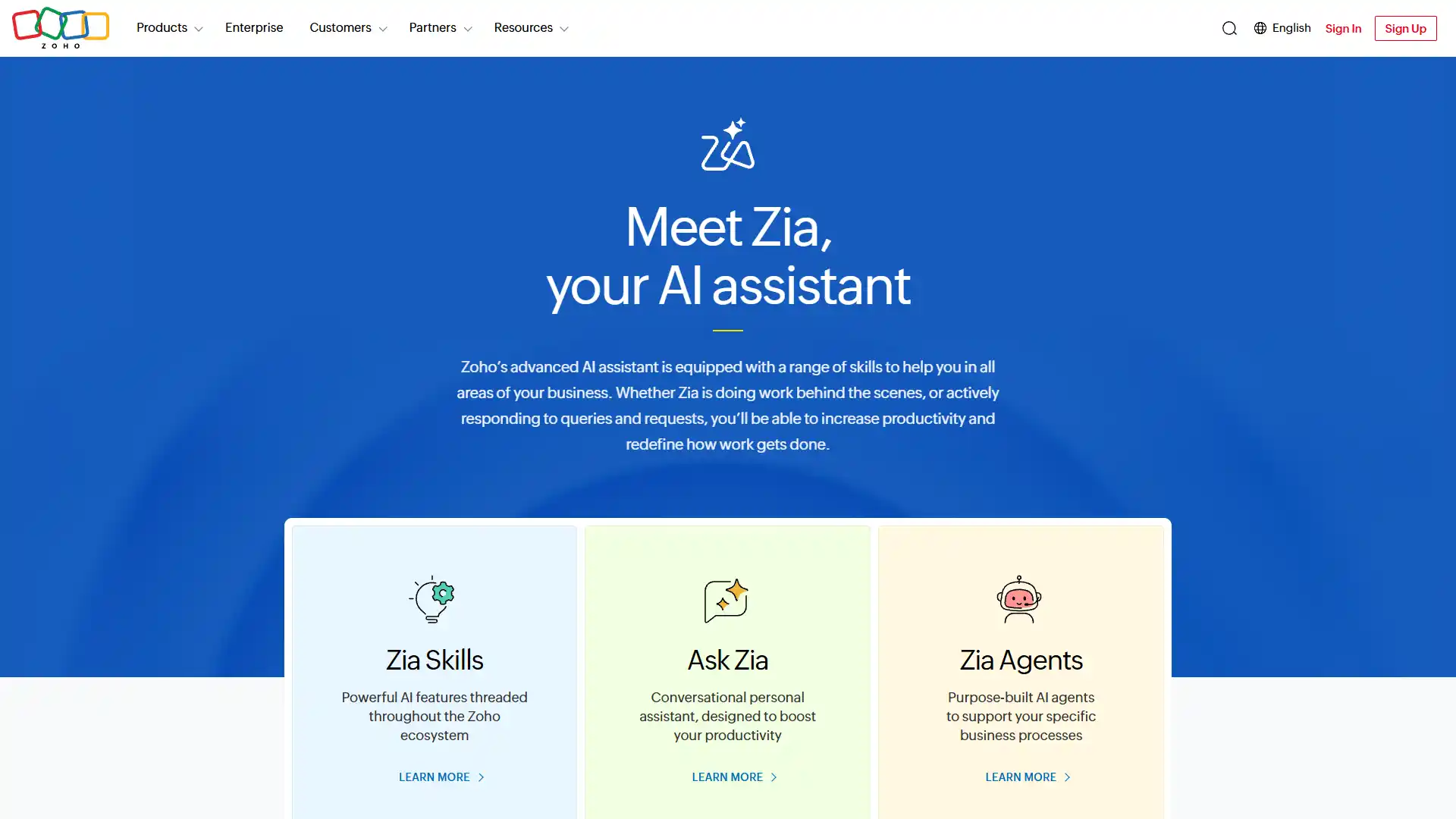
7. Zoho People (Zia AI)
Best For
Cost-sensitive SMB HR operations.
Pricing
- From about $1.50 per user/month.
- Free plan available.
Key AI features: Conversational interface (Zia), leave prediction, NLP processing for attendance queries.
Who should use it: Budget-conscious SMBs, especially ones already using other Zoho products.
Pros
- The most affordable entry point in this entire category with a free tier available.
Cons
- The interface feels dated next to newer competitors like HiBob.
8. Deputy
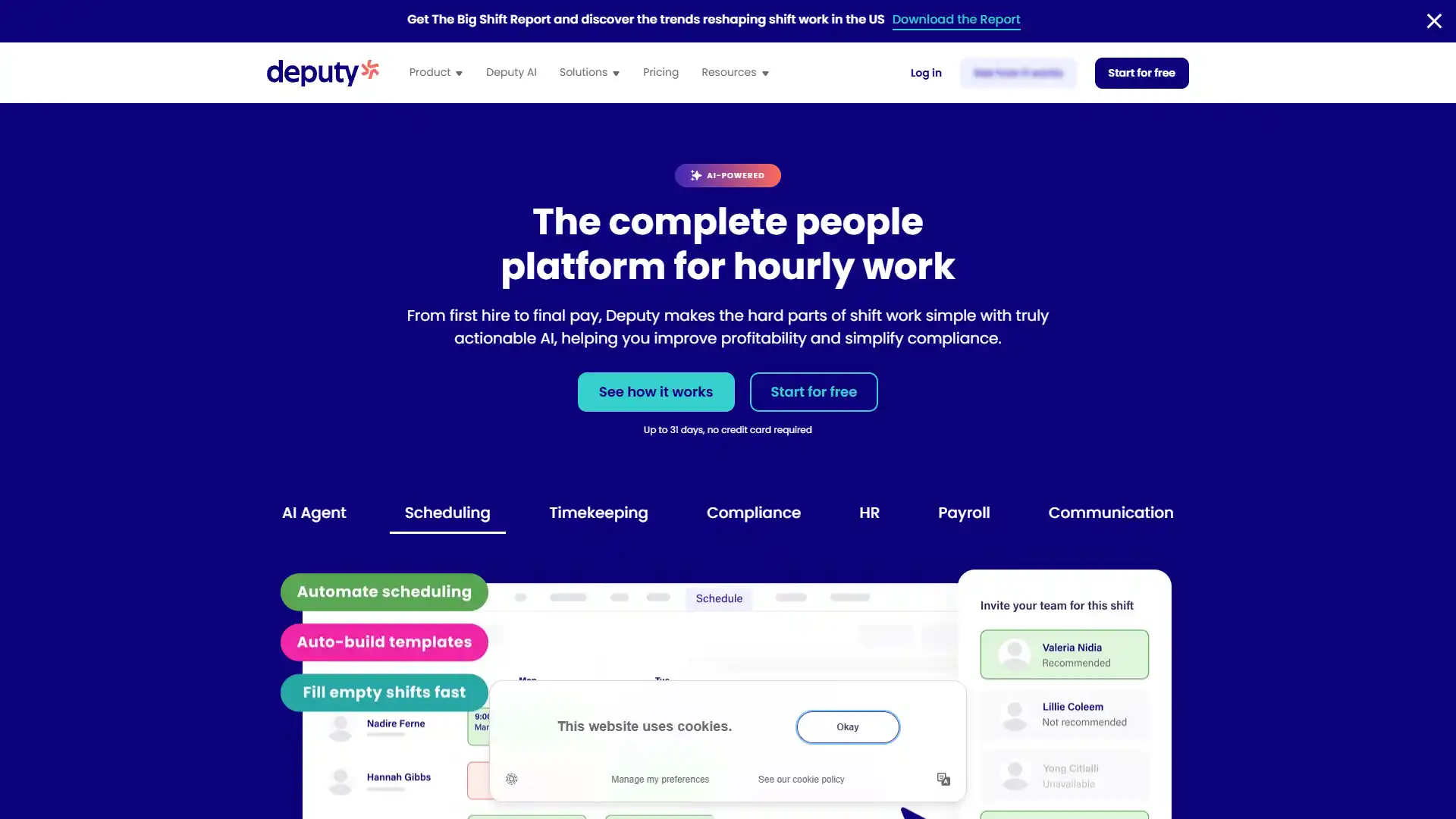
Best For
Shift-based workforce scheduling.
Pricing
- From about $3.50 per user/month.
- Free tier available.
Key AI features: Predictive scheduling, fatigue management, machine learning-based labor demand forecasting.
Who should use it: Retail, hospitality, and healthcare employers managing hourly shift workers.
Pros
- Measurably reduces scheduling compliance violations.
Cons
- Built for shift work.
- Not useful if your workforce is entirely white-collar and salaried.
9. Quinyx
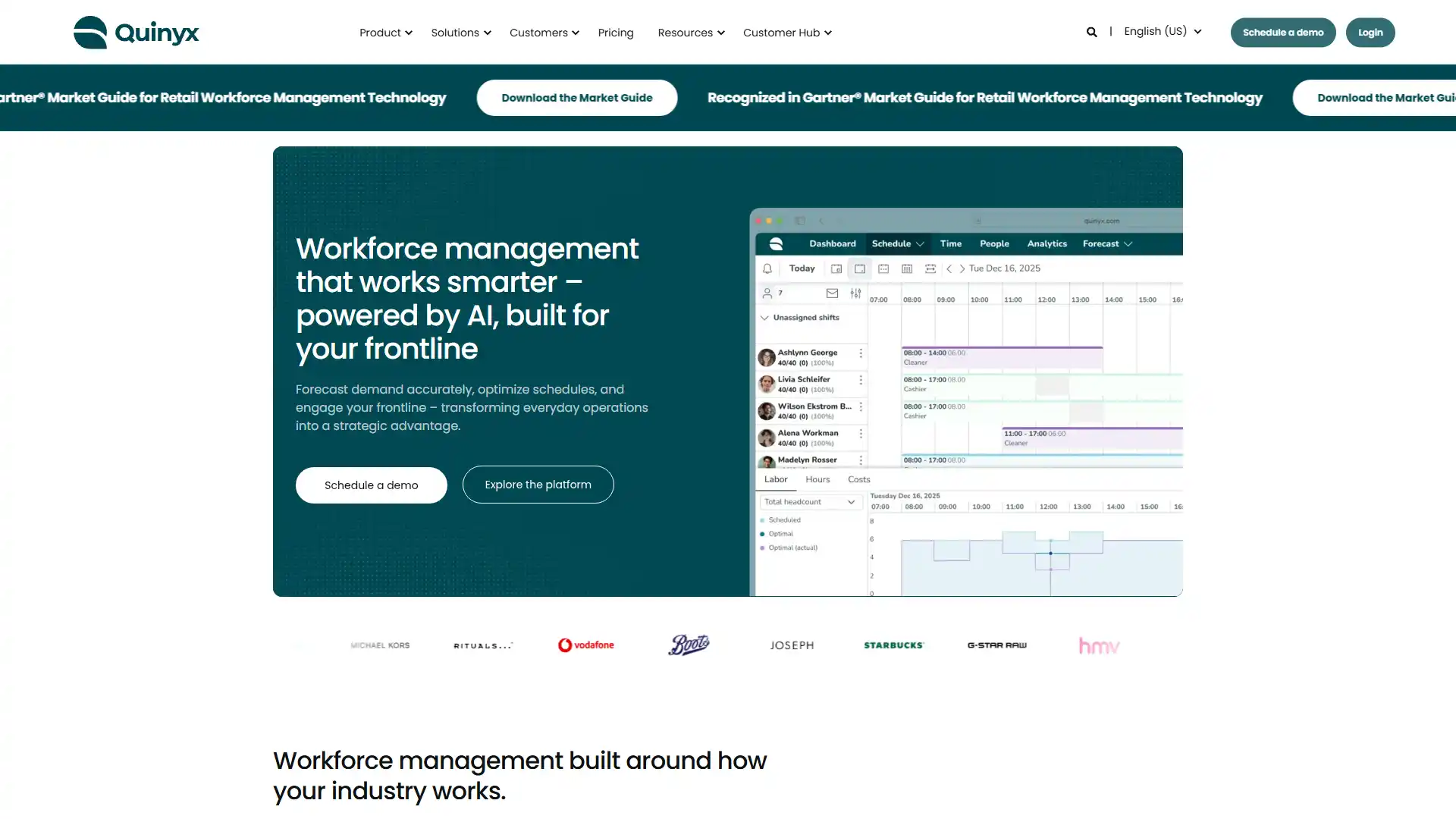
Best For
Enterprise workforce management at scale.
Pricing
- Custom.
- No free plan.
Key AI features: Demand forecasting, algorithmic labor planning, constraint-solving for complex rostering.
Who should use it: Large enterprises with complex, multi-location shift scheduling needs.
Pros
- Demonstrably reduces costly understaffing incidents.
Cons
- Heavy setup and integration requirements.
- This is not a quick deploy.
10. Shiftboard
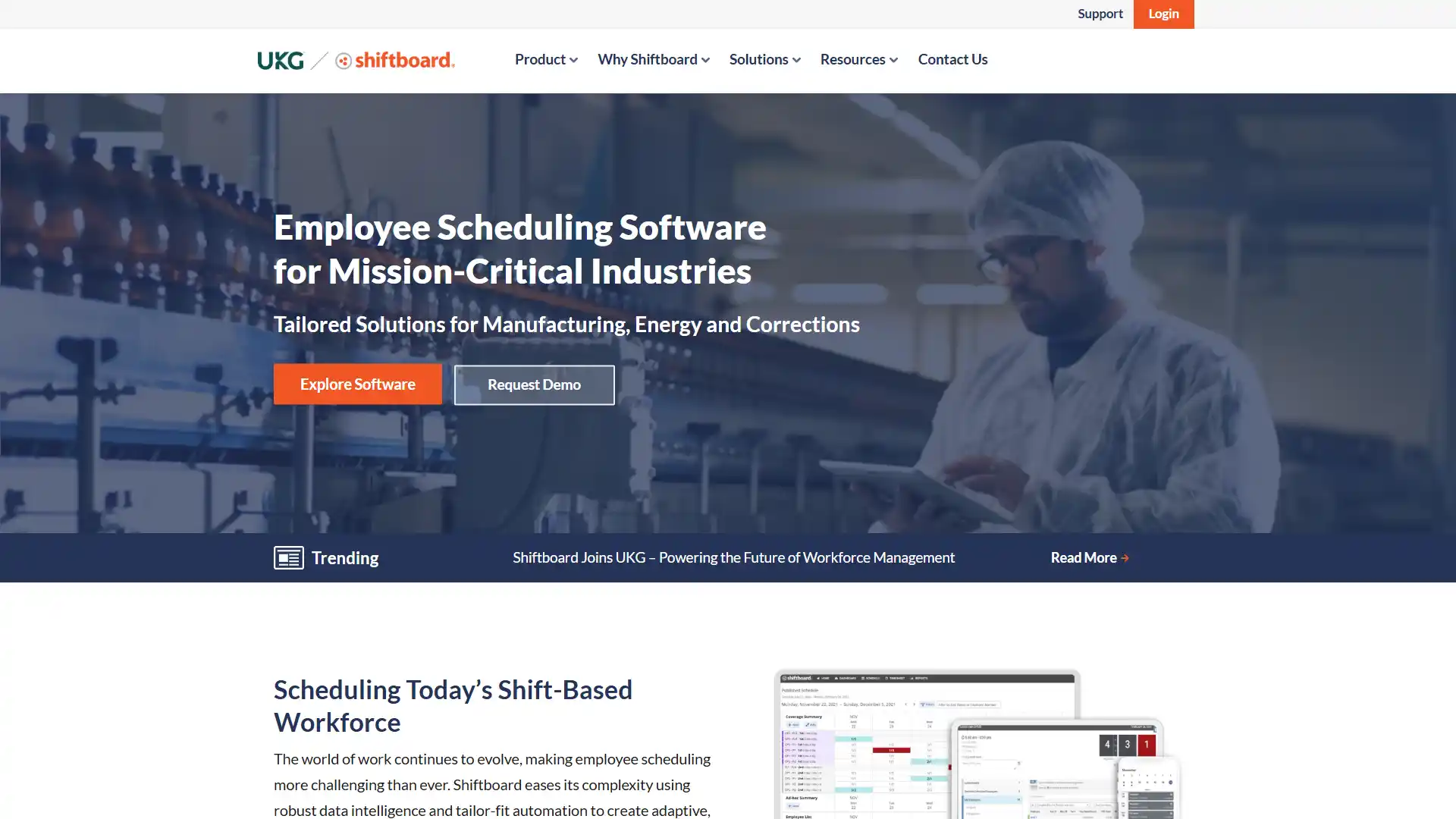
Best For
Manufacturing and healthcare rostering.
Pricing
- Custom.
- No free plan.
Key AI features: Schedule optimization, compliance tracking, AI-driven fatigue and safety management.
Who should use it: Manufacturing and healthcare organizations where scheduling errors carry safety risk.
Pros
- Directly reduces costly overtime dependency.
Cons
- Steep learning curve for administrators setting up rules-based scheduling logic.
11. Julius AI
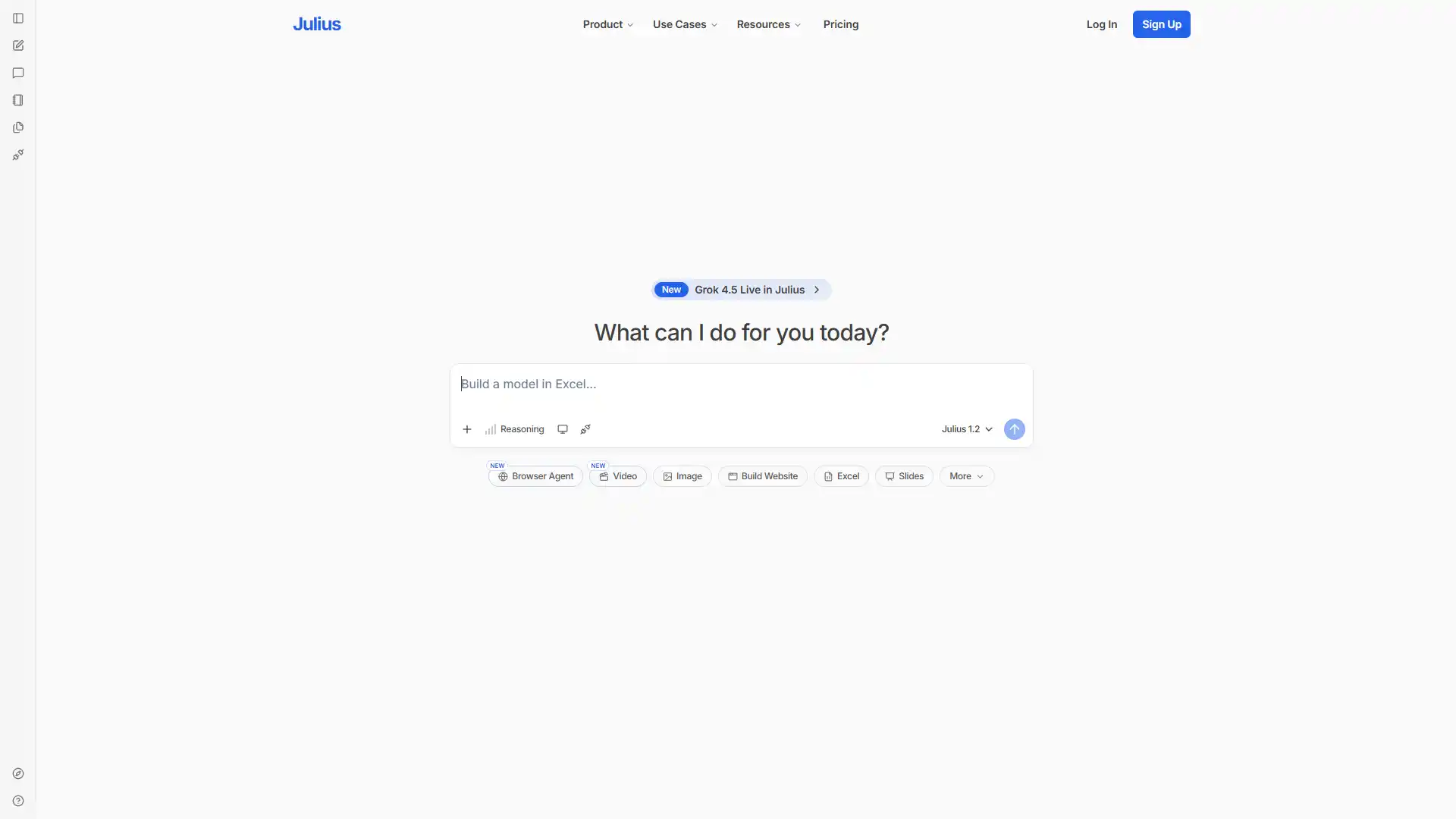
Best For
Full-lifecycle workforce data analysis.
Pricing
- Custom.
- Free tier available.
Key AI features: Predictive analytics, statistical modeling, chat-based data manipulation, automated chart and presentation generation from raw data.
Who should use it: HR analysts who need fast, ad hoc data visualization without a dedicated BI team.
Pros
- Translates messy spreadsheets into usable charts in minutes.
Cons
- Output quality depends entirely on how clean your underlying data is.
Category 1 comparison
| Tool | Best For | Starting Price | Free Plan |
|---|---|---|---|
| Workday | Global enterprise HCM | Custom | No |
| Rippling | Unified HR/IT/finance | Custom | No |
| Gusto | SMB payroll | ~$40/mo | No |
| HiBob | Culture-focused mid-market | Custom | No |
| BambooHR | US SMB core HR | ~$10/user/mo | No |
| UiPath | Legacy system automation | Custom | Yes |
| Zoho People | Budget SMB HR | ~$1.50/user/mo | Yes |
| Deputy | Shift scheduling | ~$3.50/user/mo | Yes |
| Quinyx | Enterprise workforce mgmt | Custom | No |
| Shiftboard | Manufacturing/healthcare rostering | Custom | No |
| Julius AI | Workforce data analysis | Custom | Yes |
Category 2: Talent Acquisition, ATS, and Candidate Sourcing
Recruiting is where AI adoption is furthest along, and where the legal stakes are highest. NYC's Local Law 144 and the EU AI Act both classify hiring algorithms as high-risk. Every tool here needs to hold up to an audit, not just move fast.
12. Eightfold AI
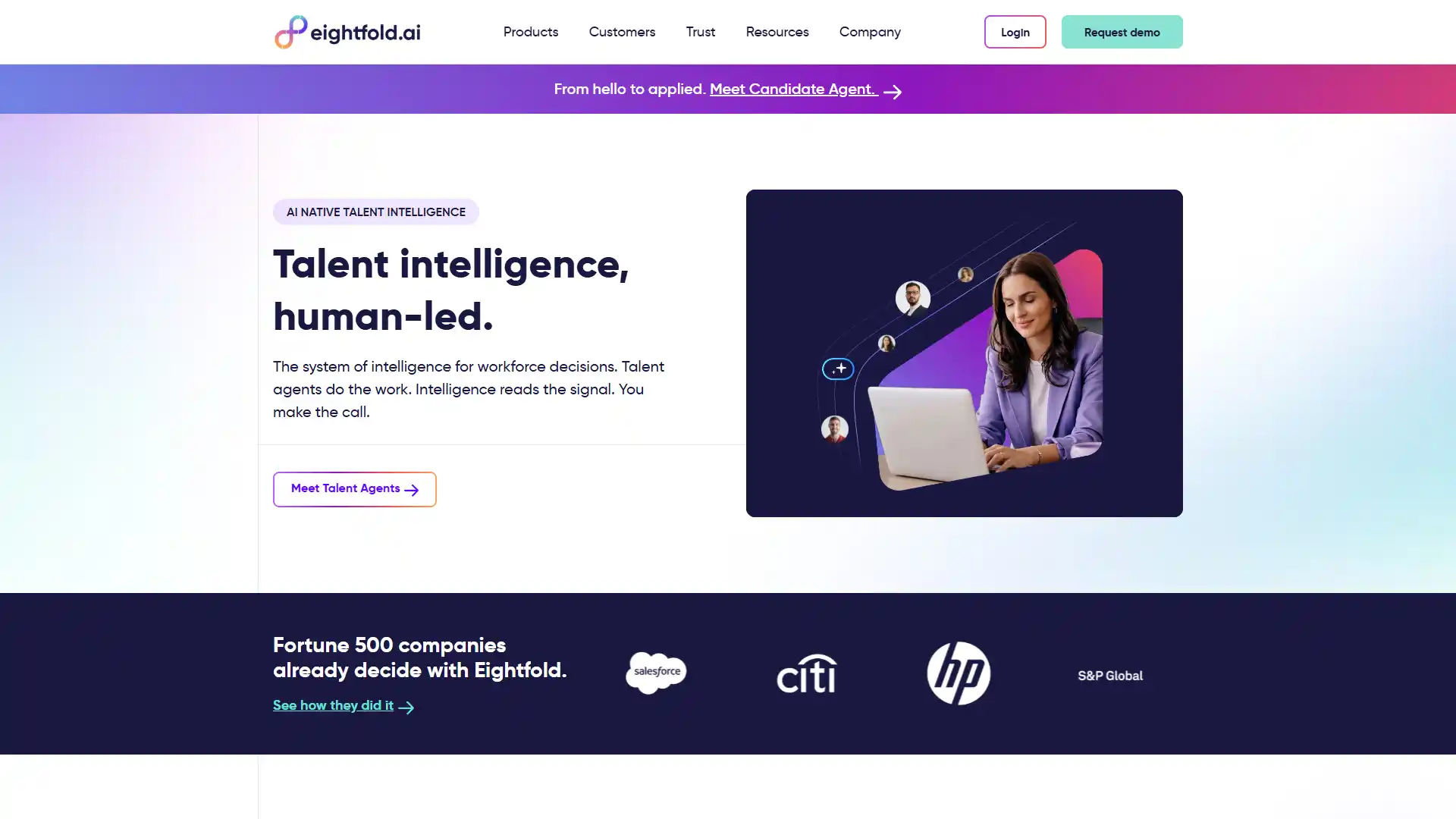
Best For
Enterprise talent intelligence and internal mobility.
Pricing
Custom, enterprise only.
Key AI features: Deep-learning candidate matching, skills inference, agentic internal mobility and project routing, a training dataset built on roughly 1.6 billion profiles.
Who should use it: Large enterprises solving recruiting and internal mobility with one system.
Pros
- Genuinely finds adjacent-skill candidates a keyword search would miss entirely.
Cons
- Configuration is resource-intensive.
- Budget for a dedicated internal owner.
13. Paradox
Best For
High-volume, frontline, and hourly hiring.
Pricing
- Custom.
- No free plan.
Key AI features: Conversational screening, automated scheduling, generative dynamic interview scheduling, native WhatsApp and SMS flows.
Who should use it: Companies hiring hourly or frontline workers at scale.
Pros
- Reduces initial screening time dramatically for high-volume roles.
Cons
- Struggles with nuanced, off-script candidate questions.
- Built for volume, not depth.
14. Workable
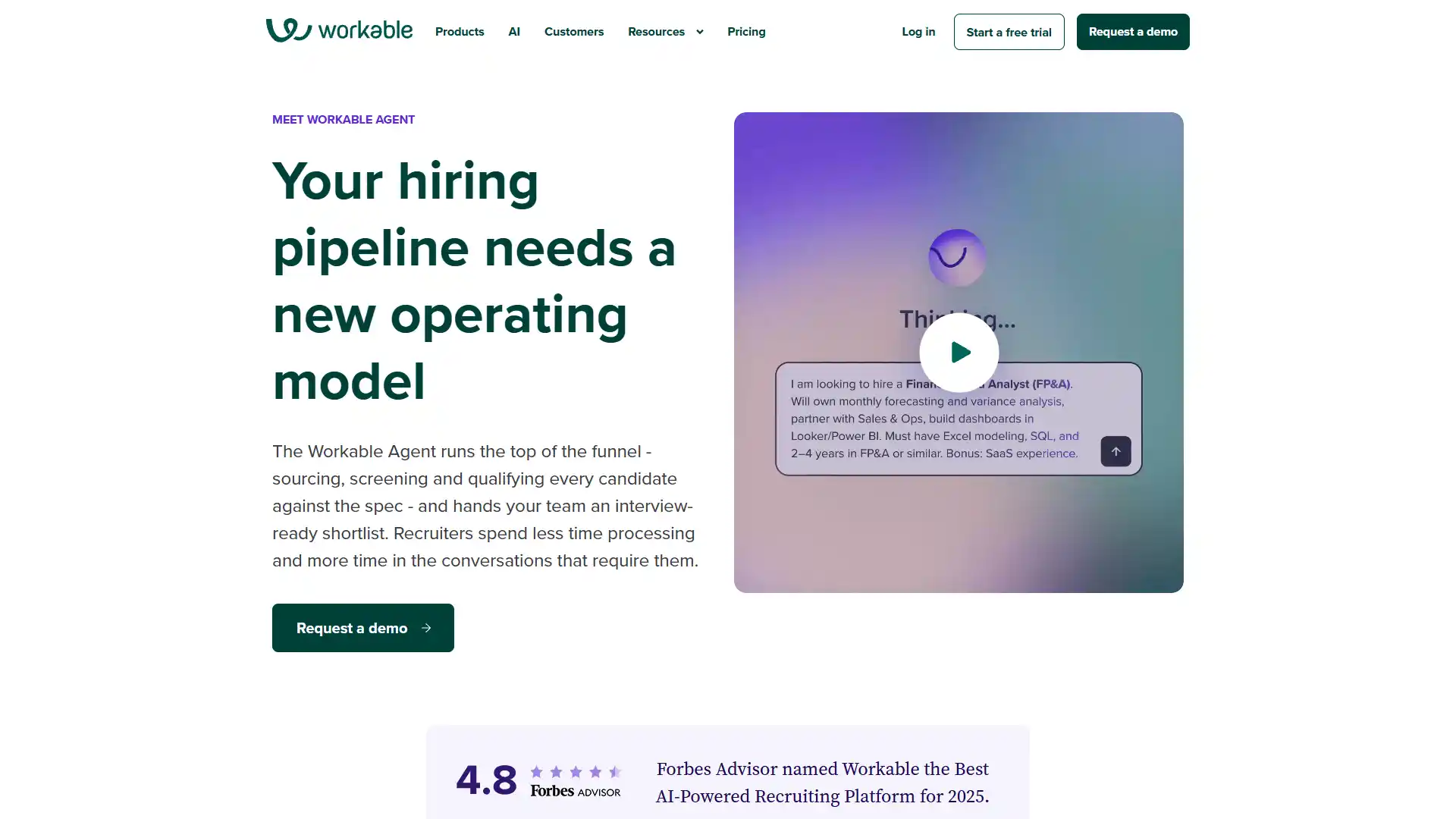
Best For
SMB and mid-market comprehensive hiring.
Pricing
- From about $299/month.
- No free plan.
Key AI features: AI candidate matching, automated scoring, an autonomous screening agent ("Workable Agent").
Who should use it: SMB to mid-market teams wanting an all-in-one ATS without an enterprise sales cycle.
Pros
- Fast, self-serve implementation.
- You can be live the same week.
Cons
- AI screening credits get expensive at higher volume.
15. Manatal
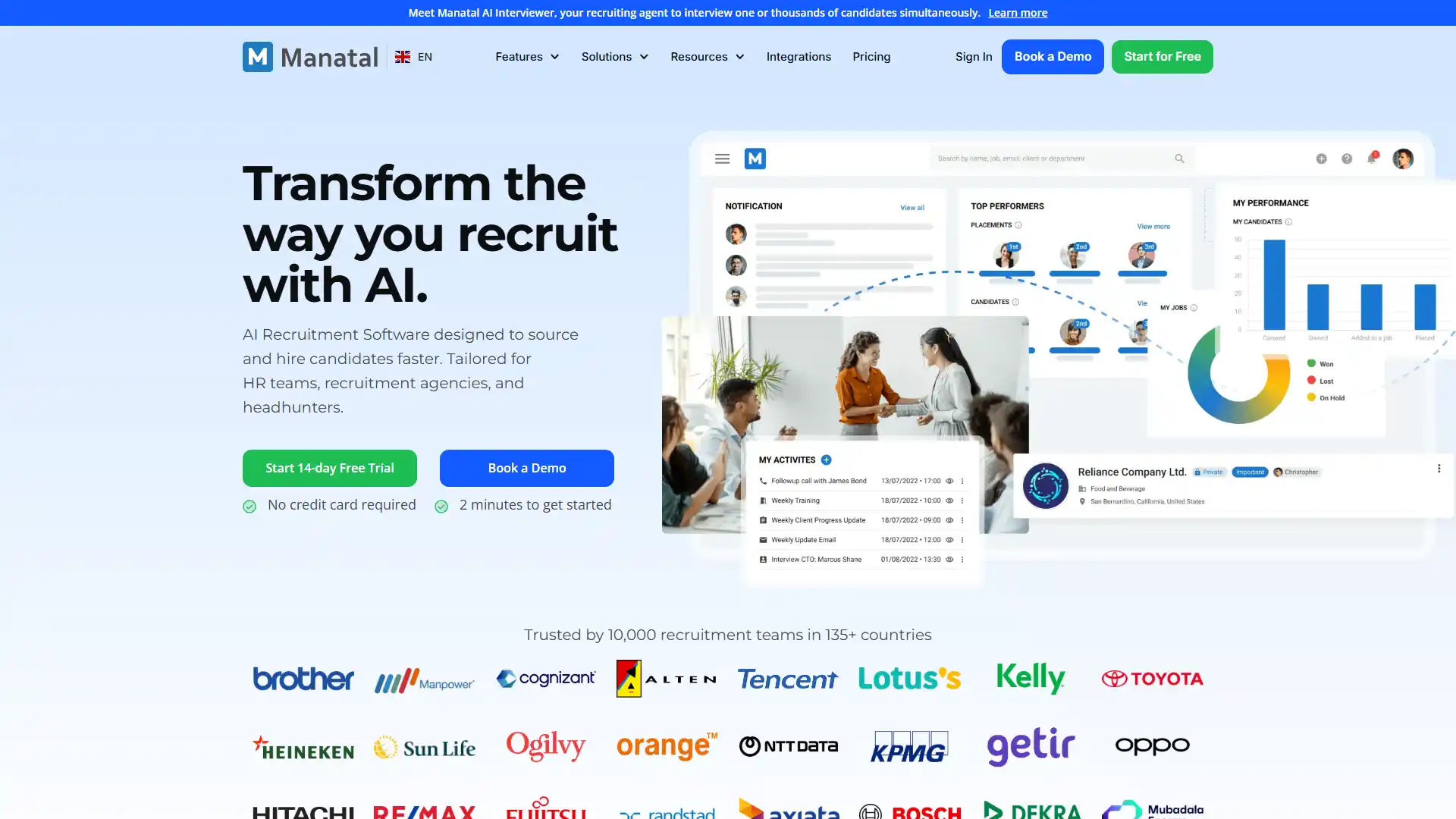
Best For
Recruiting agencies and lean internal teams.
Pricing
- From about $15 per user/month.
- No free plan.
Key AI features: Resume parsing, algorithmic candidate scoring, semantic context search.
Who should use it: Recruiting agencies and small internal teams on a tight budget.
Pros
- The most cost-effective tiering in this category.
Cons
- No integrated video screening; you'll need a separate tool for that.
16. Findem
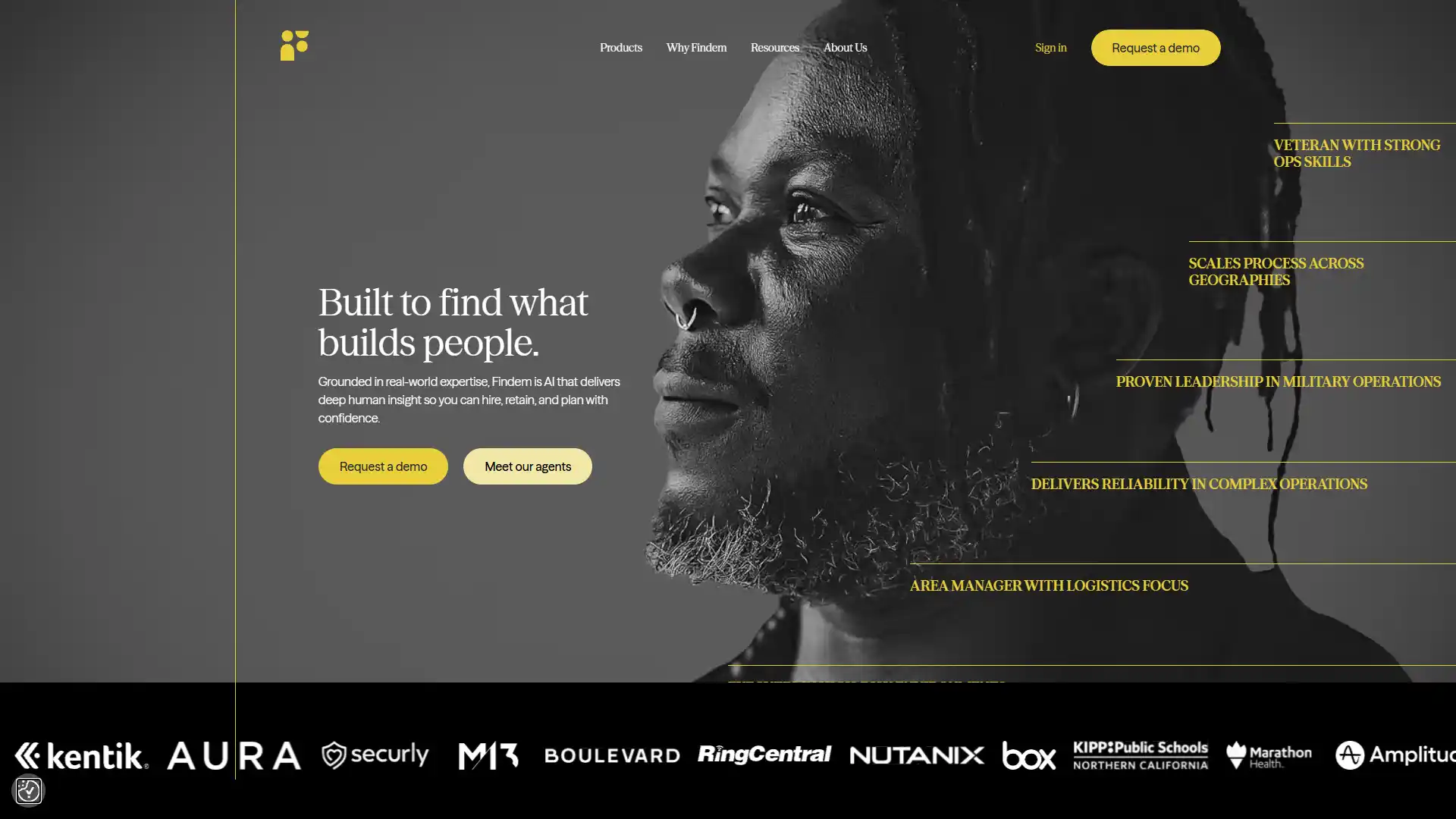
Best For
Sourcing hard-to-find, technical candidate profiles.
Pricing
Custom.
Key AI features: Diversity sourcing, 3-dimensional data analysis, a copilot for proactive outbound engagement.
Who should use it: Enterprise recruiting teams sourcing hard-to-fill technical or specialized roles.
Pros
- Granular attribute search other sourcing tools can't match.
Cons
- Pricing is enterprise-focused and steep for smaller teams.
17. SeekOut
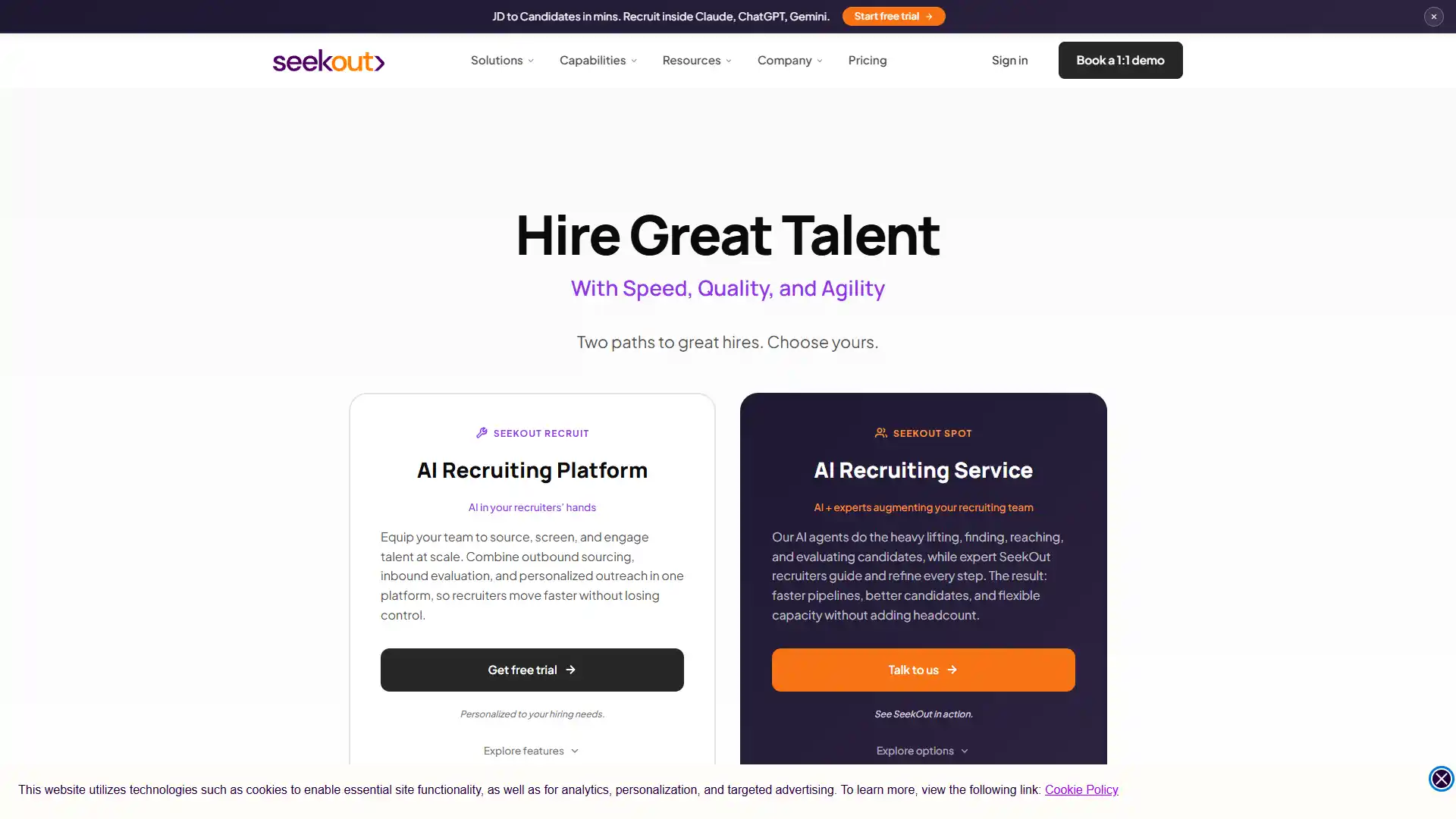
Best For
Technical and diversity-focused engineering hiring.
Pricing
- From about $149/month.
- No free plan.
Key AI features: Diversity filters, GitHub repository scanning, AI-assisted Boolean search string generation.
Who should use it: Technical recruiting teams hiring engineers, especially with diversity hiring goals.
Pros
- Exceptional signal quality for developer sourcing specifically.
Cons
- Interface feels dated compared to newer entrants.
18. Metaview
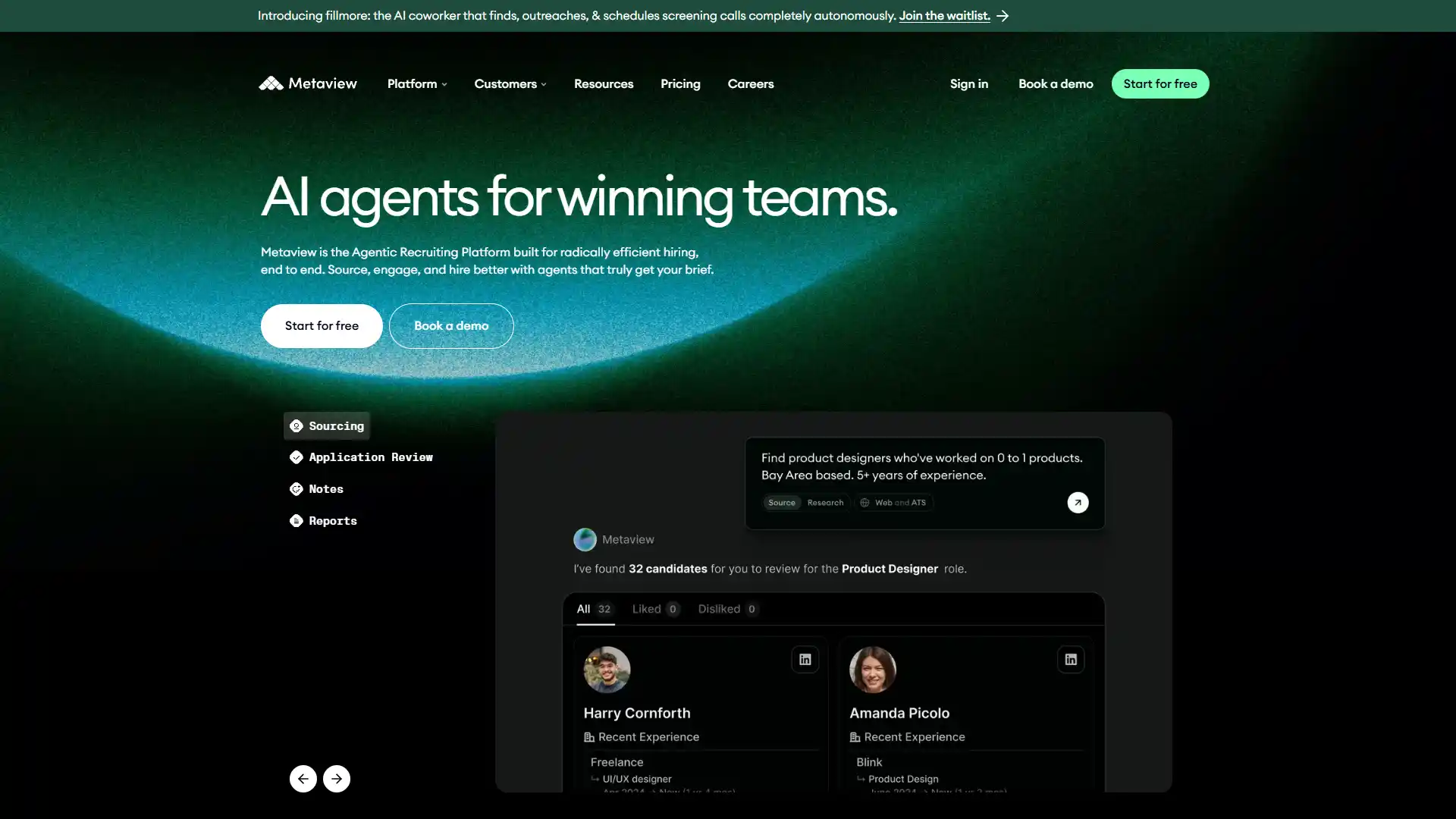
Best For
Recruiting communication intelligence.
Pricing
- From about $50 per user/month.
- Free tier available.
Key AI features: Automated structured interview transcription, GPT-level summary synthesis.
Who should use it: Recruiting teams that want objective, bias-reduced interview records instead of scattered handwritten notes.
Pros
- Saves recruiters significant time per week on interview note-taking alone.
Cons
- Accuracy drops with heavy accents or non-native speakers.
19. iCIMS Talent Cloud
Best For
Large enterprise hiring at extreme scale and compliance requirements.
Pricing
- Custom.
- No free plan.
Key AI features: Candidate matching algorithms, a digital chatbot, generative AI job description architecture.
Who should use it: Large enterprises with heavy compliance requirements and massive requisition volume.
Pros
- Handles extreme hiring volume without breaking.
Cons
- The legacy interface needs modernization; expect a learning curve for new users.
20. Zoho Recruit
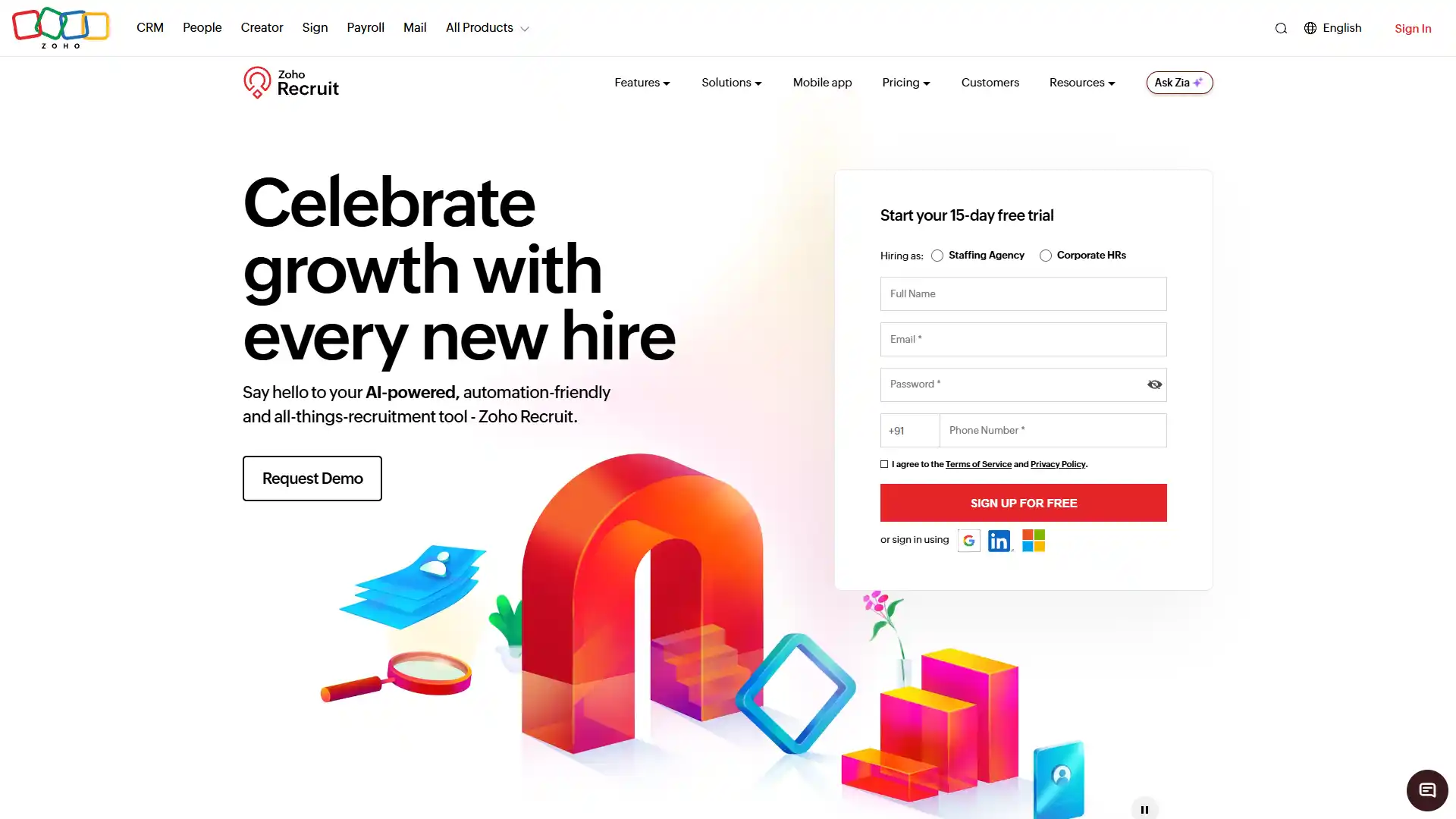
Best For
Staffing agencies and growing SMBs on a budget.
Pricing
- From about $30 per user/month.
- Free tier available.
Key AI features: Zia Chatbot, semantic candidate search, configurable predictive talent analysis.
Who should use it: Staffing agencies and growing SMBs that don't need enterprise-grade depth.
Pros
- Strong baseline automation at an accessible price.
Cons
- Video interviewing functionality is basic compared to dedicated tools.
21. Fetcher
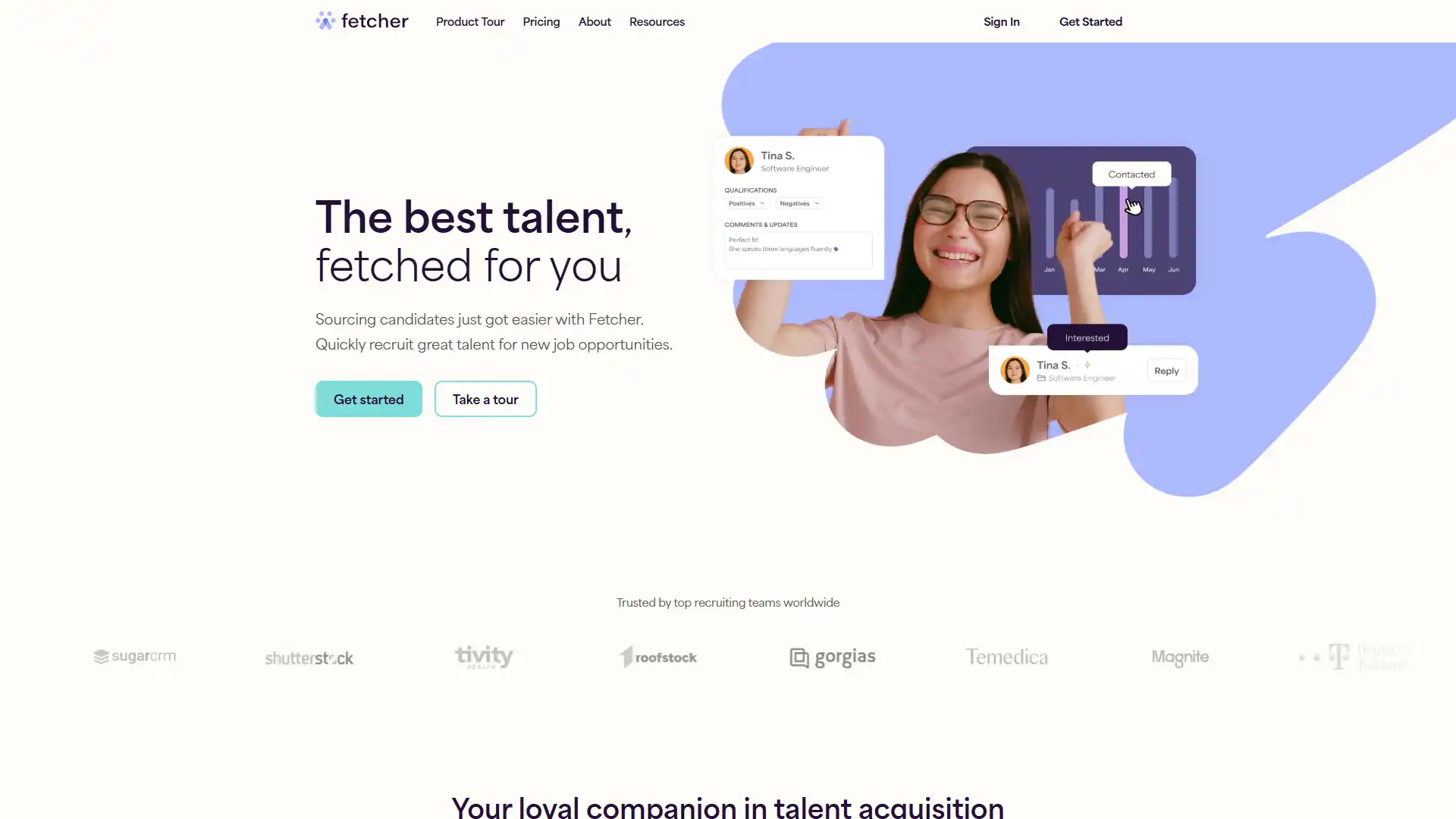
Best For
Passive candidate sourcing and outreach.
Pricing
- From about $149/month.
- No free plan.
Key AI features: Sourcing-as-a-service, automated outreach, automated alignment check-ins.
Who should use it: Startups and growing teams that need passive candidate outreach without a full sourcing team.
Pros
- Combines AI speed with human quality control.
Cons
- Cold email deliverability risk if not managed carefully.
22. Rival
Best For
Mid-market talent acquisition efficiency.
Pricing
Custom.
Key AI features: AI resume ranking, semantic matching, natural language job matching.
Who should use it: Mid-market talent acquisition teams wanting efficiency gains without an enterprise price tag.
Pros
- Measurably reduces overall time-to-fill.
Cons
- Smaller brand presence means less third-party review data to lean on.
23. Retorio
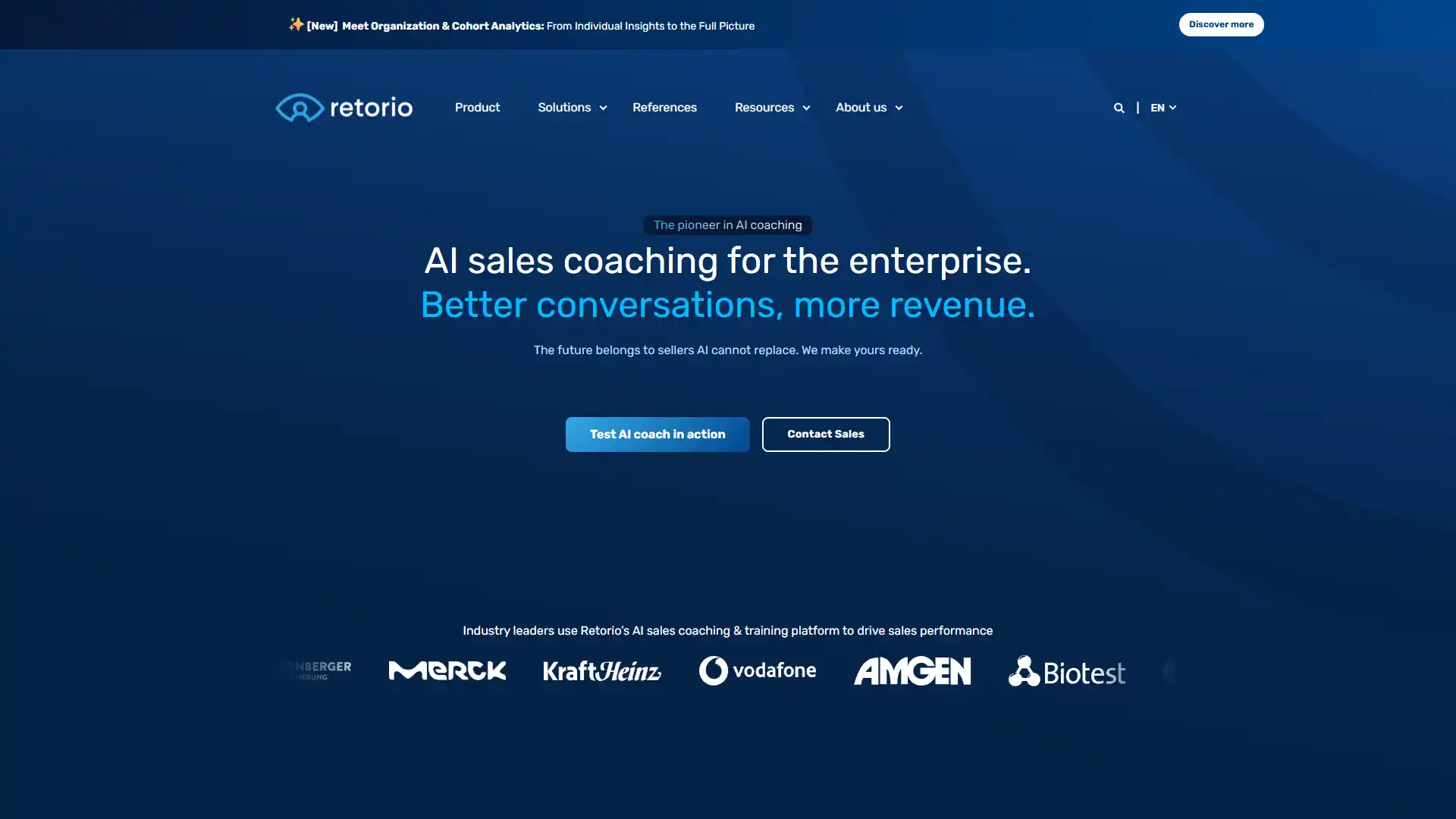
Best For
Soft skills and culture-fit assessment.
Pricing
Custom.
Key AI features: Video AI personality and behavioral assessment, micro-expression recognition, Big Five personality modeling.
Who should use it: Companies that weigh culture fit heavily and want a more structured way to assess it than a gut-feel interview.
Pros
- Enables more structured, less subjective culture-fit evaluation.
Cons
- Candidates are often uneasy about video-based behavioral scoring.
- Be transparent about how it's used.
Category 2 comparison
| Tool | Best For | Starting Price | Free Plan |
|---|---|---|---|
| Eightfold AI | Enterprise talent intelligence | Custom | No |
| Paradox | High-volume/frontline hiring | Custom | No |
| Workable | SMB/mid-market ATS | ~$299/mo | No |
| Manatal | Agencies, lean teams | ~$15/user/mo | No |
| Findem | Technical sourcing | Custom | No |
| SeekOut | Engineering/diversity sourcing | ~$149/mo | No |
| Metaview | Interview transcription | ~$50/user/mo | Yes |
| iCIMS | Enterprise scale | Custom | No |
| Zoho Recruit | Agencies/SMB budget | ~$30/user/mo | Yes |
| Fetcher | Passive sourcing | ~$149/mo | No |
| Rival | Mid-market efficiency | Custom | No |
| Retorio | Culture-fit assessment | Custom | No |
Category 3: Performance, Engagement, and Productivity
Global employee engagement dropped to roughly 20% in 2025, and managerial engagement fell even faster, according to Gallup's State of the Global Workplace research. AI won't fix a bad manager. But it can catch disengagement signals before someone quits.
24. Lattice
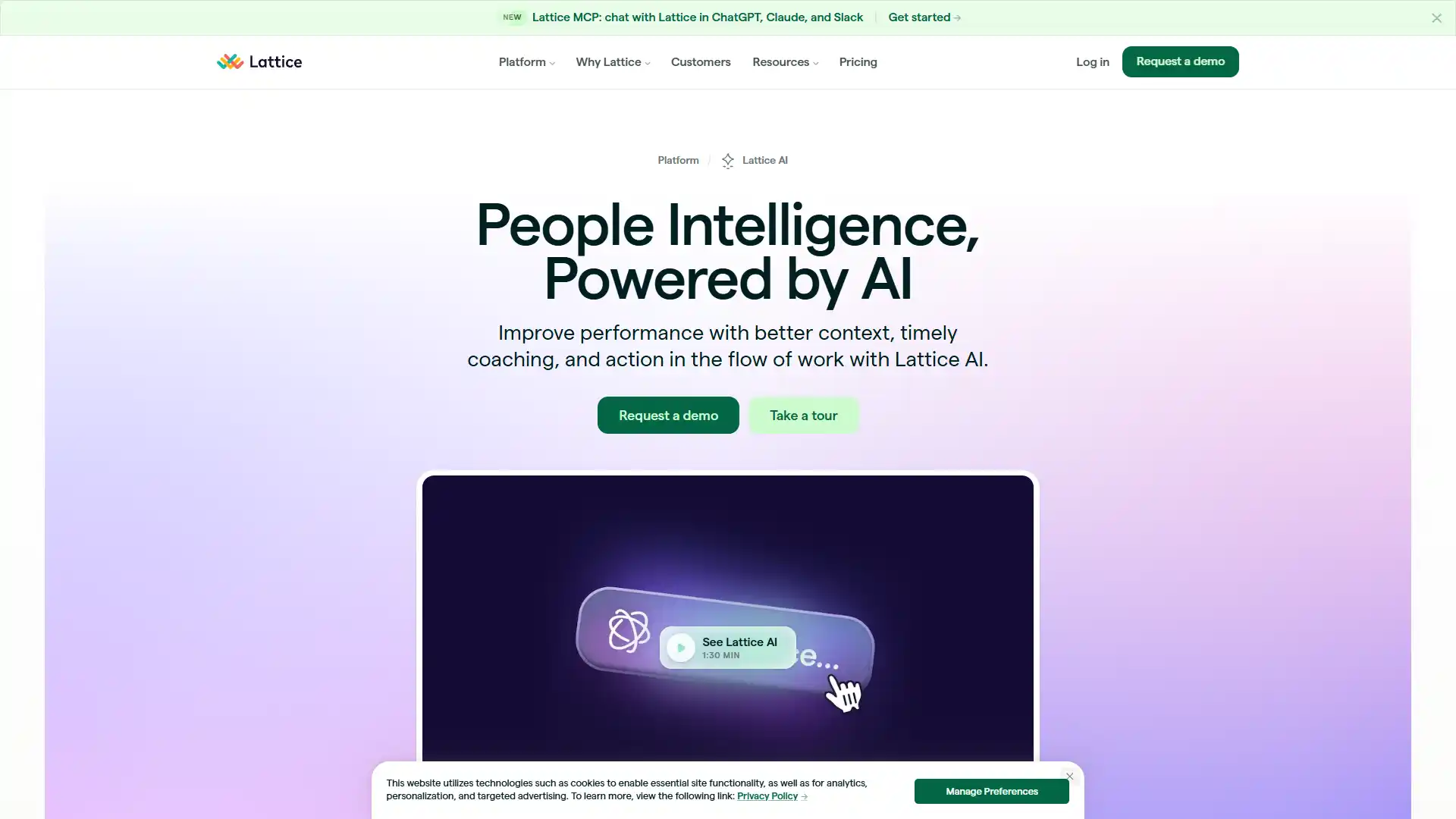
Best For
Performance management tied to continuous feedback.
Pricing
- From about $11 per seat/month.
- No free plan.
Key AI features: AI feedback summaries, OKR tracking, a Lattice AI Agent chatbot.
Who should use it: Mid-market companies wanting performance and engagement in one system.
Pros
- Fast adoption.
- Employees actually use it without being forced to.
Cons
- Pricing scales up quickly once you add modules.
25. Culture Amp
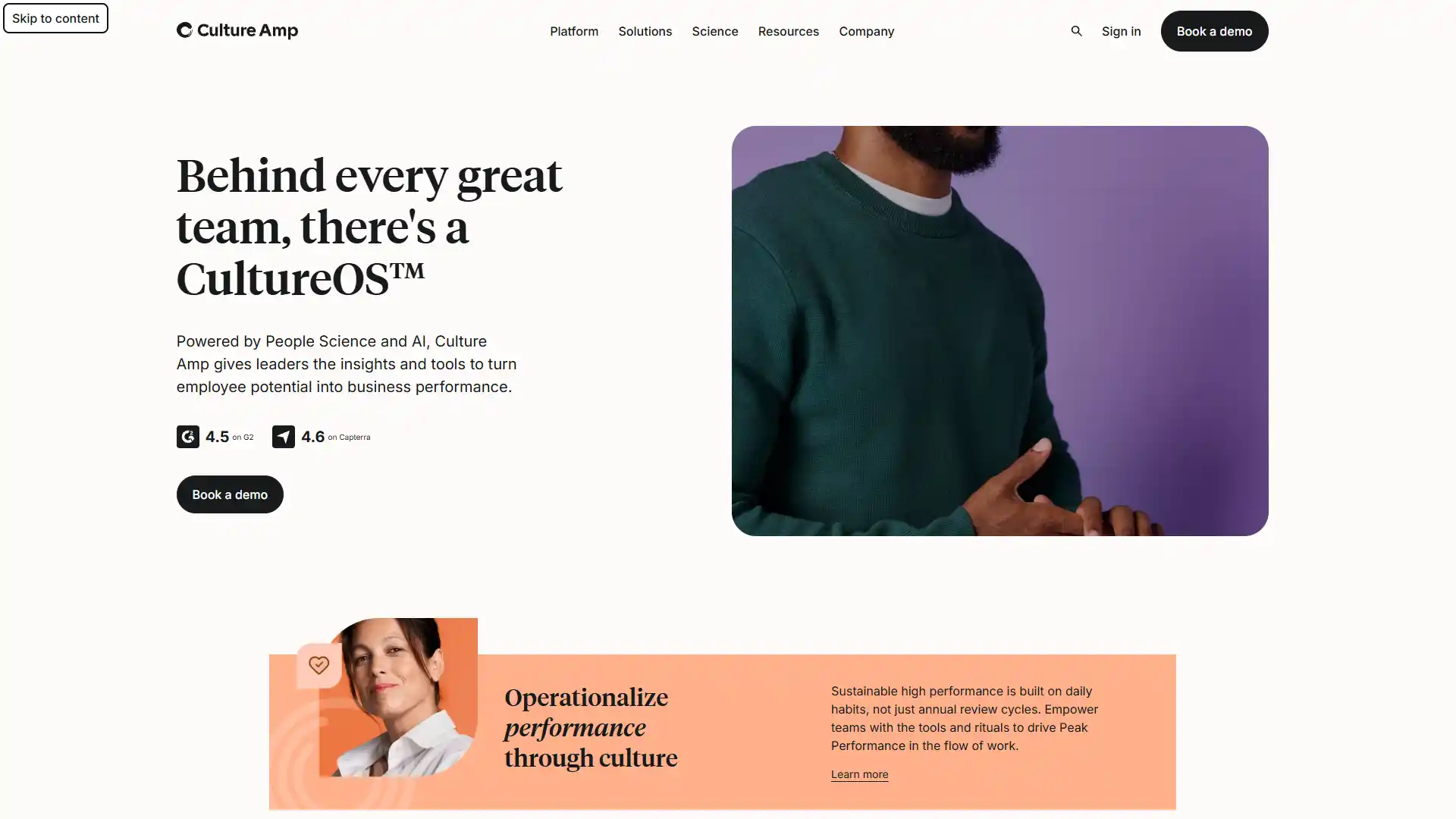
Best For
Sentiment analysis and predicting attrition.
Pricing
- Custom.
- No free plan.
Key AI features: Predictive attrition modeling, sentiment text analysis, an AI Coach for manager nudges.
Who should use it: Companies serious about proactive retention, not annual survey theater.
Pros
- Deep industry benchmarking data most competitors can't match.
Cons
- Needs a dedicated admin to configure well.
26. Betterworks
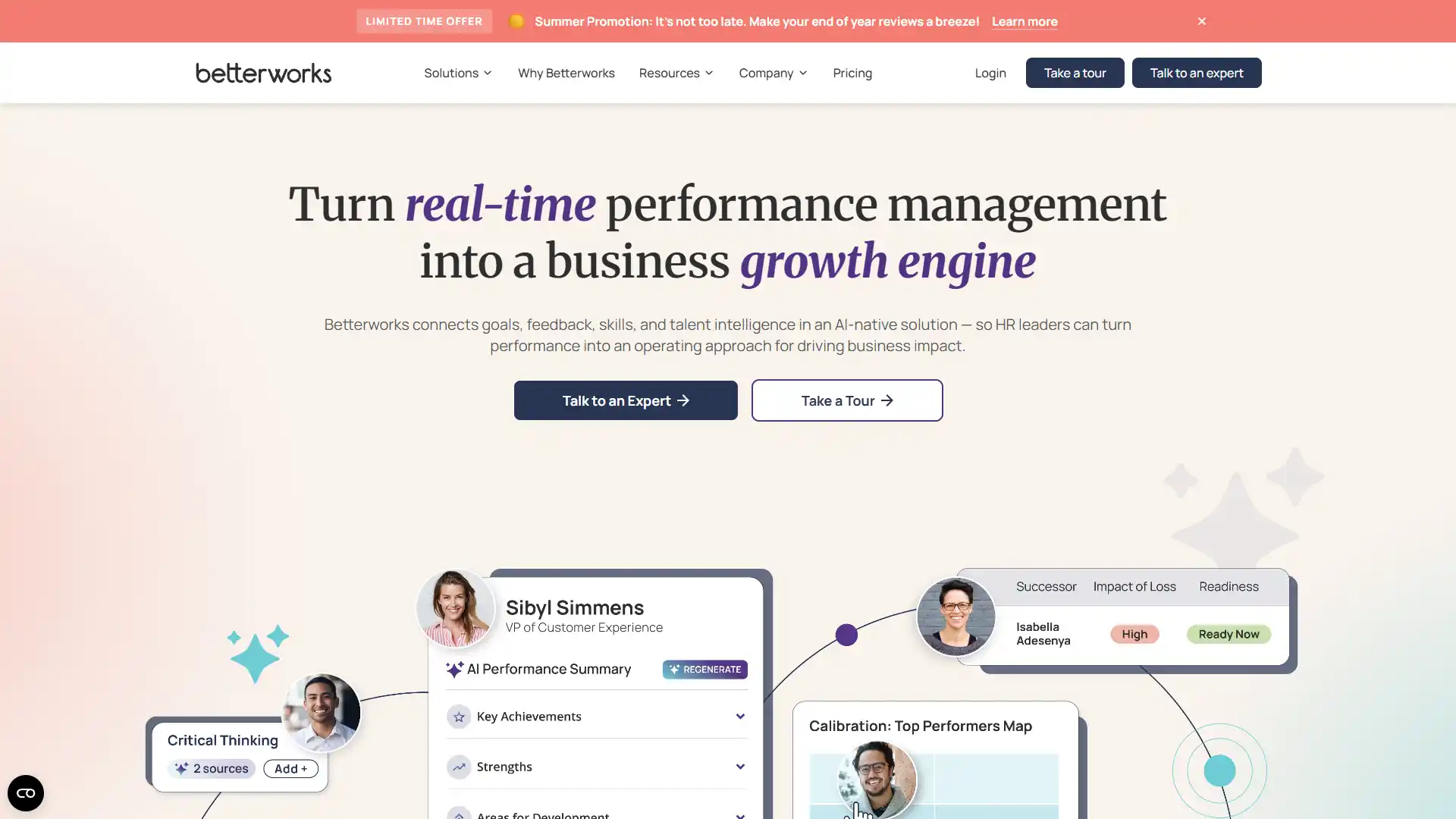
Best For
OKR transparency and goal alignment.
Pricing
- Custom.
- No free plan.
Key AI features: Goal alignment tracking, bias detection, generative feedback writing assistance.
Who should use it: Companies running formal OKR programs that need cross-team visibility.
Pros
- Strong leadership visibility into org-wide goal alignment.
Cons
- The interface can feel dense for casual users.
27. 15Five
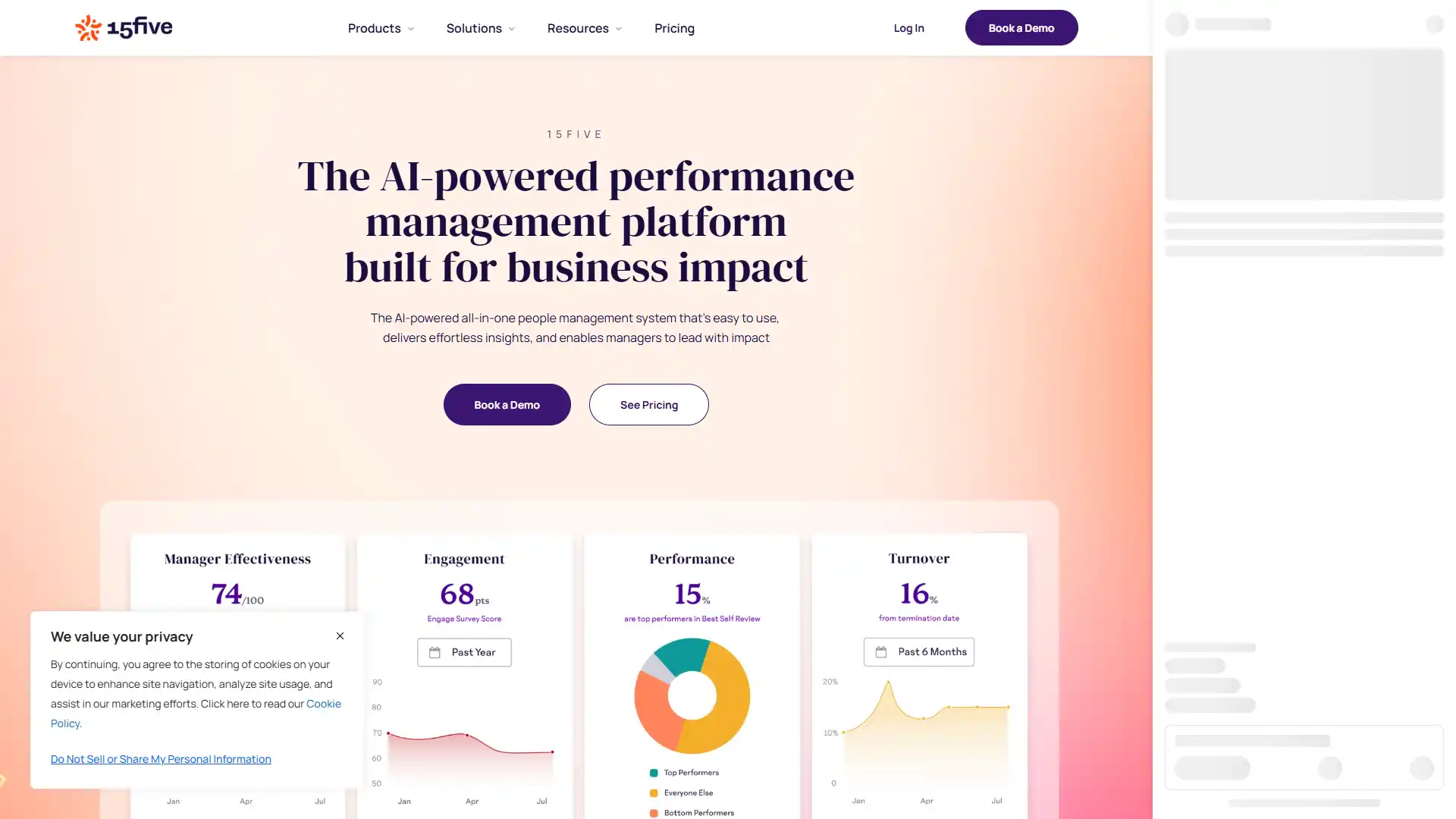
Best For
Continuous manager-employee check-ins.
Pricing
- From about $4 per user/month.
- No free plan.
Key AI features: Sentiment analysis, pulse survey analytics, AI-driven manager intervention nudges.
Who should use it: Companies prioritizing weekly manager check-ins over formal annual reviews.
Pros
- Measurably boosts psychological safety scores when adopted consistently.
Cons
- Custom reporting capabilities are limited compared to Culture Amp.
28. Leapsome
Best For
All-in-one engagement with strong EU compliance.
Pricing
- Roughly $8 per user/month.
- No free plan.
Key AI features: Survey analysis, AI-assisted review text drafting, comprehensive 360 review generation.
Who should use it: Companies with EU employees that need compliance built into the platform, not bolted on.
Pros
- Strict, genuine GDPR compliance, not an afterthought.
Cons
- Setup takes 8 to 12 weeks.
- Budget the time.
29. BetterUp
Best For
Executive coaching and mental fitness at scale.
Pricing
Custom.
Key AI features: Algorithmic coaching cohort matching, precision matching learning models.
Who should use it: Companies investing in leadership development for a defined group, not the whole company.
Pros
- Drives measurable behavioral change, not just satisfaction scores.
Cons
- Cost is prohibitive for organization-wide rollout; most companies limit it to leadership tiers.
30. CoachHub
Best For
Scalable digital coaching programs.
Pricing
Custom.
Key AI features: AI coach recommendations and scheduling, AI learning journey mapping.
Who should use it: Global companies wanting to offer coaching broadly, not just to executives.
Pros
- Massive global coach network and language support.
Cons
- Efficacy depends heavily on voluntary employee engagement with the program.
31. Valence
Best For
Team dynamics and organizational alignment.
Pricing
Custom.
Key AI features: Team dynamics mapping, AI facilitation prompts for interventions.
Who should use it: Companies dealing with specific team alignment issues, like post-merger integration or cross-functional friction.
Pros
- Strong visual tracking of team health over time.
Cons
- Niche use case; not a general engagement platform.
32. Monark
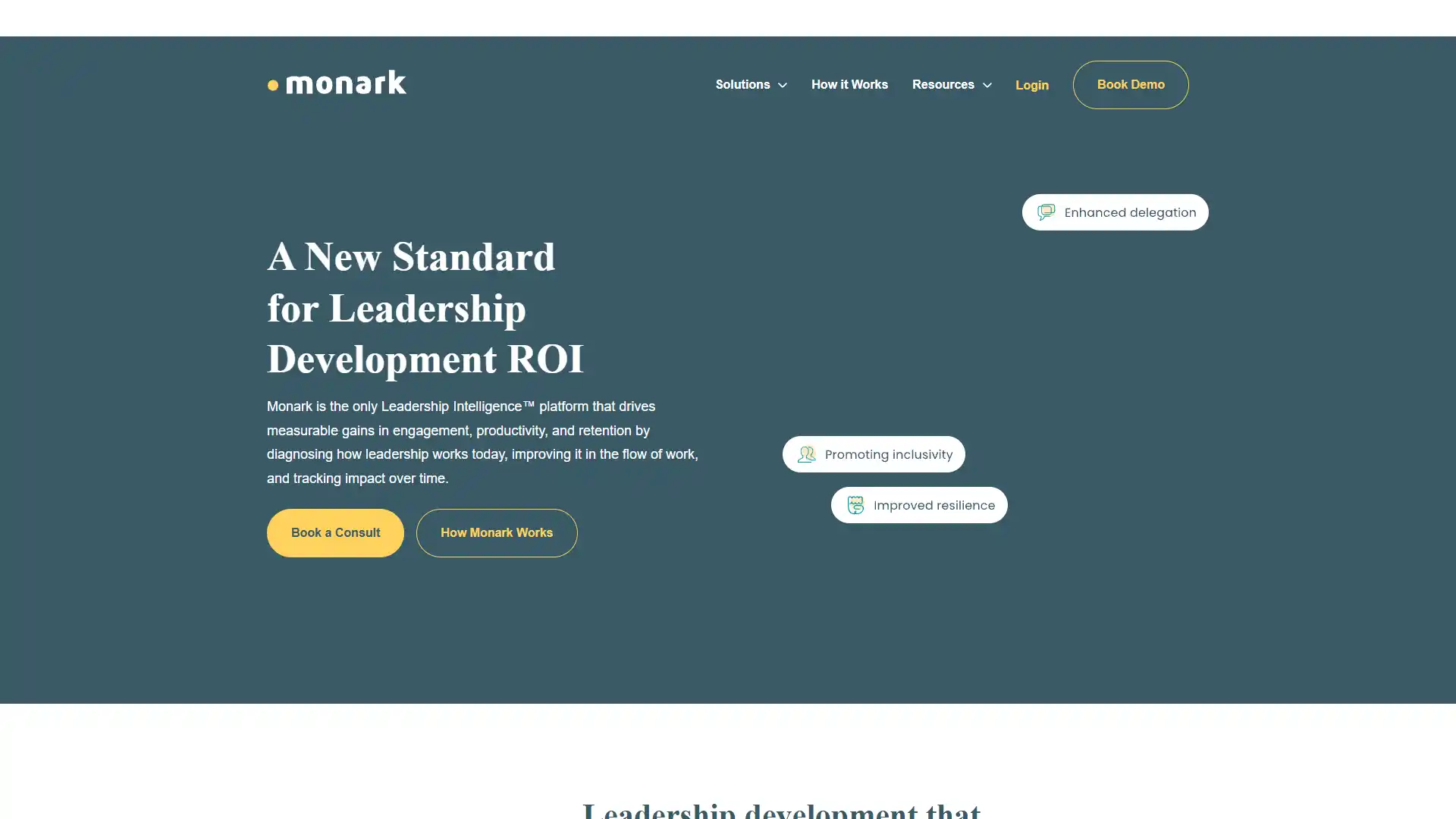
Best For
Emerging leadership development.
Pricing
Custom.
Key AI features: Micro-learning, behavioral habit tracking, AI interactive role-play simulations.
Who should use it: Companies promoting first-time managers who need structured leadership training fast.
Pros
- Delivers genuinely actionable leadership development data.
Cons
- As a newer platform, maturity and track record are still building.
33. TeamSense
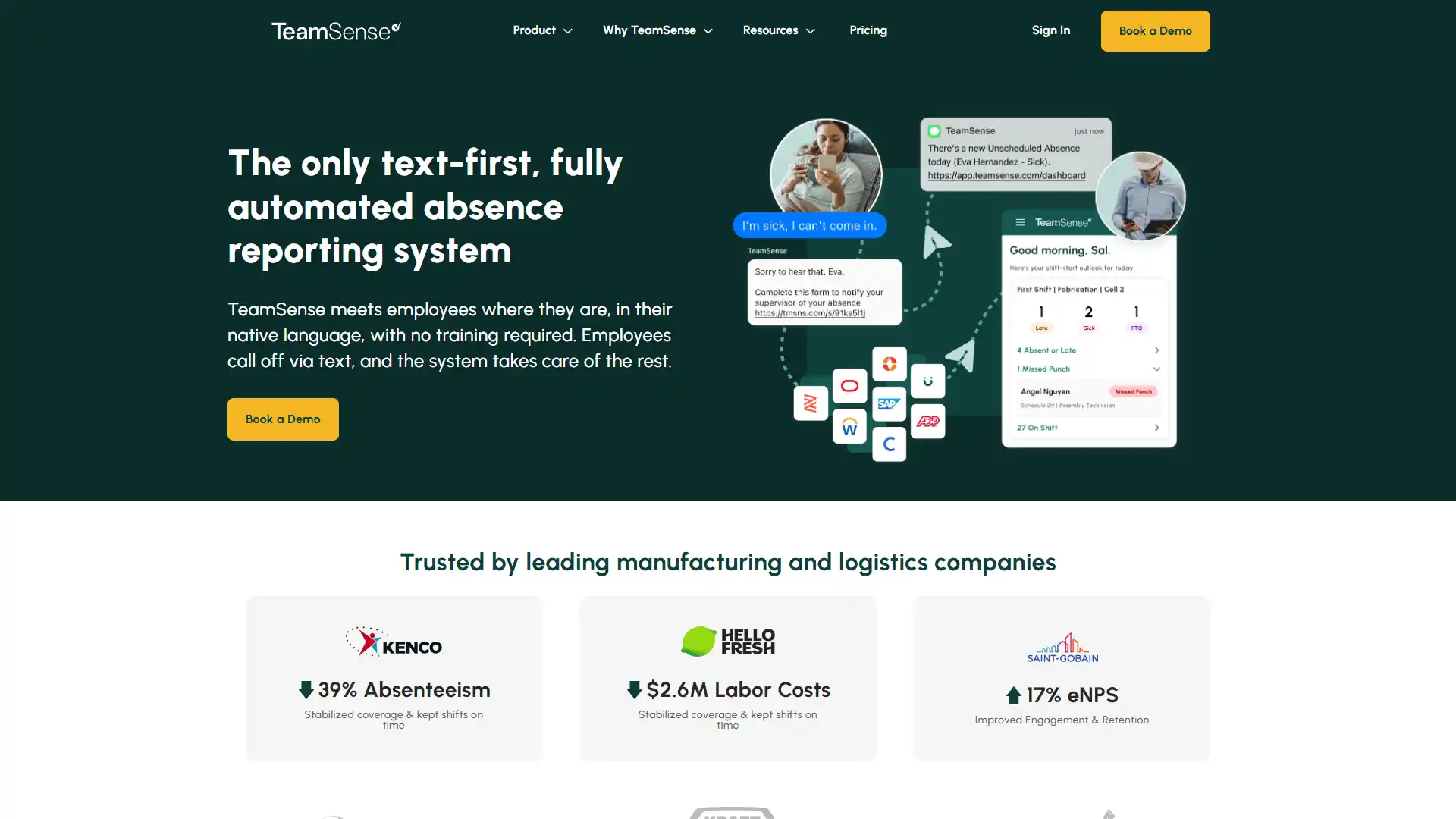
Best For
Deskless and manufacturing engagement.
Pricing
Custom.
Key AI features: Text-based surveys, shift check-ins, SMS-based sentiment NLP processing.
Who should use it: Manufacturing, retail, and other deskless workforces where app adoption is unrealistic.
Pros
- Requires zero app downloads, which matters enormously for deskless workforces.
Cons
- Analytics depth is basic compared to office-worker engagement tools.
34. Visier
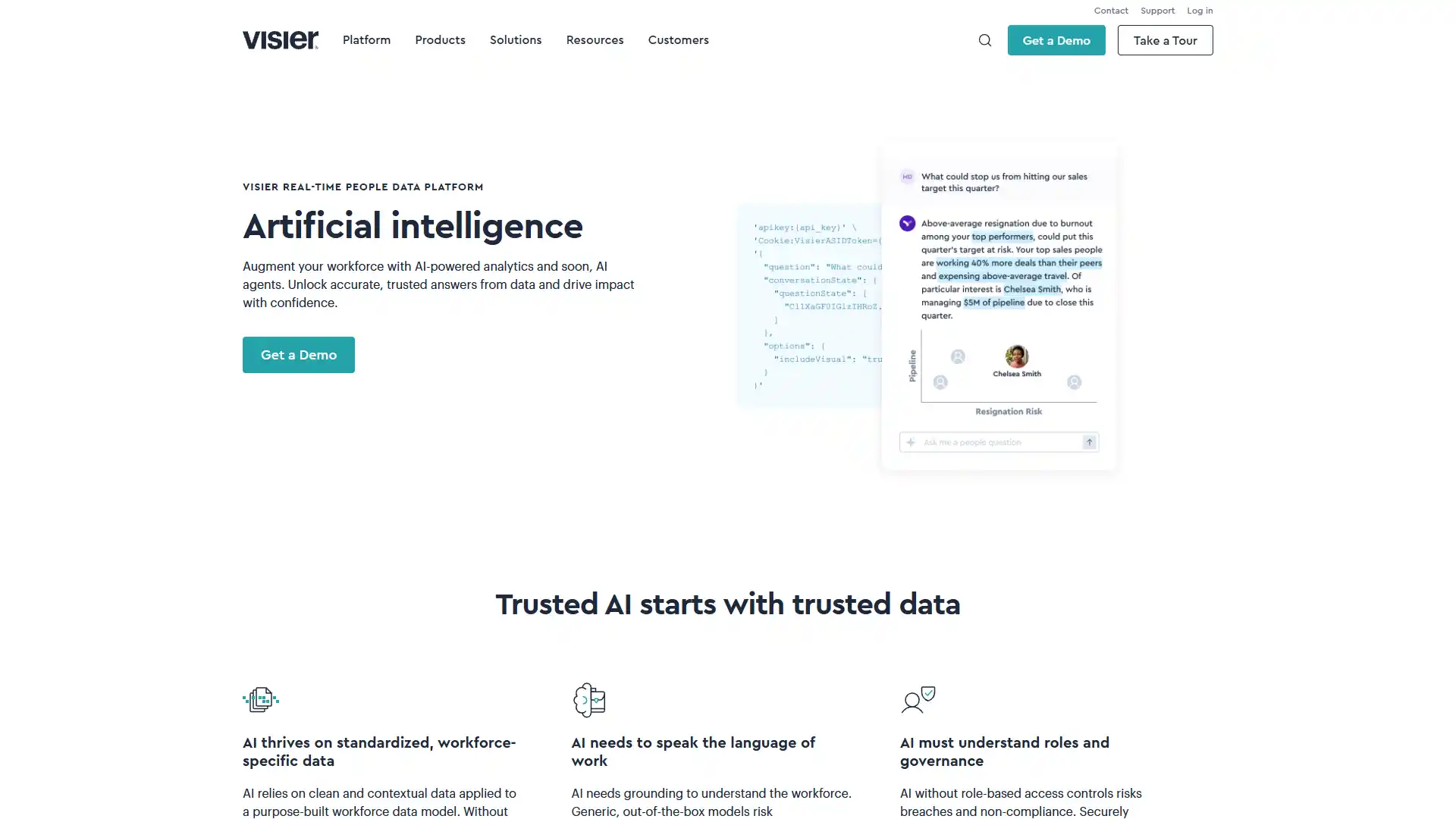
Best For
People analytics and workforce planning.
Pricing
Custom.
Key AI features: Vee AI Agent, predictive statistical models, generative workforce data querying, benchmarking against 15 million+ industry profiles.
Who should use it: Large enterprises needing serious workforce planning and benchmarking capability.
Pros
- Best-in-class data visualization for workforce planning.
Cons
- Very high enterprise cost.
35. Polly
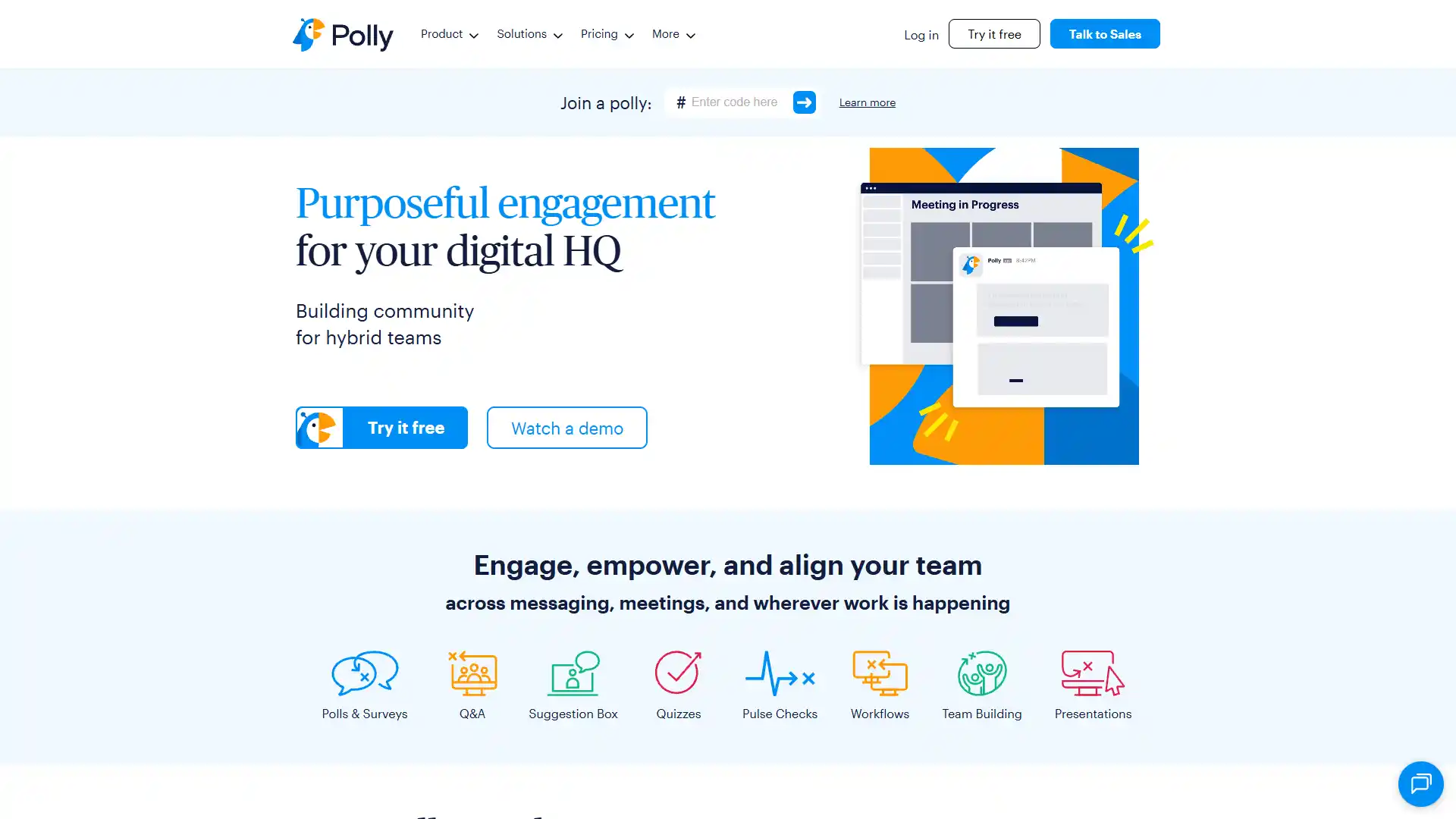
Best For
Agile remote team feedback loops.
Pricing
- From about $2 per user/month.
- Free tier available.
Key AI features: Pulse surveys, Q&A ticketing automation, AI automatic question generation.
Who should use it: Remote and agile teams wanting lightweight, frequent pulse checks.
Pros
- Frictionless, instant feedback capture right inside Slack.
Cons
- Shallow on overall performance management depth; it's a feedback tool, not a full HRIS.
Category 3 comparison
| Tool | Best For | Starting Price | Free Plan |
|---|---|---|---|
| Lattice | Performance + engagement | ~$11/seat/mo | No |
| Culture Amp | Attrition prediction | Custom | No |
| Betterworks | OKR transparency | Custom | No |
| 15Five | Weekly check-ins | ~$4/user/mo | No |
| Leapsome | EU-compliant all-in-one | ~$8/user/mo | No |
| BetterUp | Executive coaching | Custom | No |
| CoachHub | Scalable digital coaching | Custom | No |
| Valence | Team dynamics | Custom | No |
| Monark | Leadership development | Custom | No |
| TeamSense | Deskless engagement | Custom | No |
| Visier | People analytics | Custom | No |
| Polly | Slack-based pulse surveys | ~$2/user/mo | Yes |
Category 4: Learning, Knowledge Management, and Employee Support
Distributed teams waste real hours hunting through fragmented documentation for policies and procedures. The tools here act as indexing and support agents, generating training content and resolving routine questions without a human in the loop.
36. Sana Labs
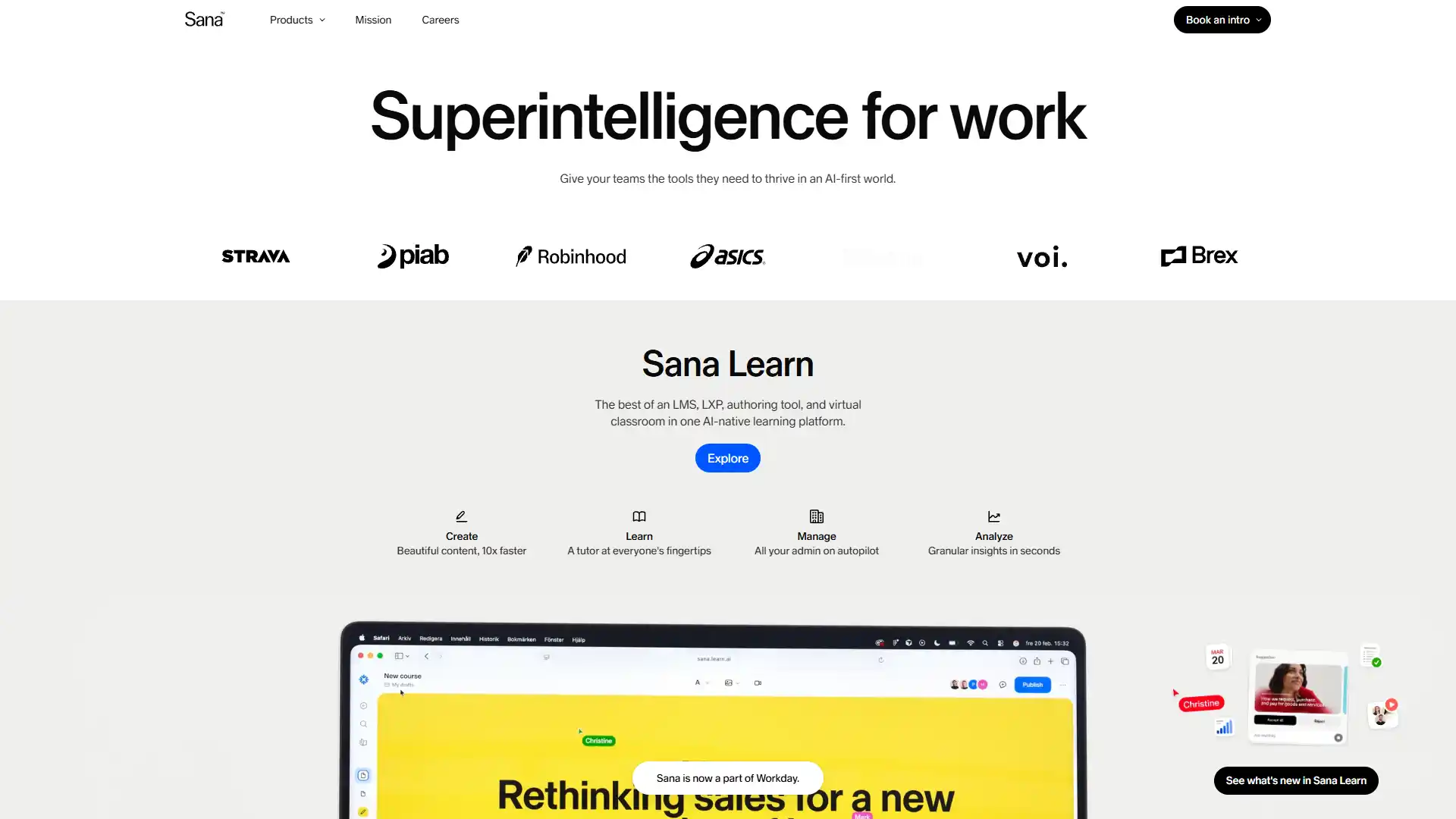
Best For
Enterprise knowledge management.
Pricing
- Roughly $30 per user/month.
- Free tier available.
Key AI features: Cross-application semantic search, universal retrieval search agent, rapid AI course generation.
Who should use it: Enterprises with knowledge scattered across multiple disconnected systems.
Pros
- Extremely fast course generation from existing documentation.
Cons
- Permissions models need careful, ongoing oversight to avoid surfacing sensitive content broadly.
37. Docebo
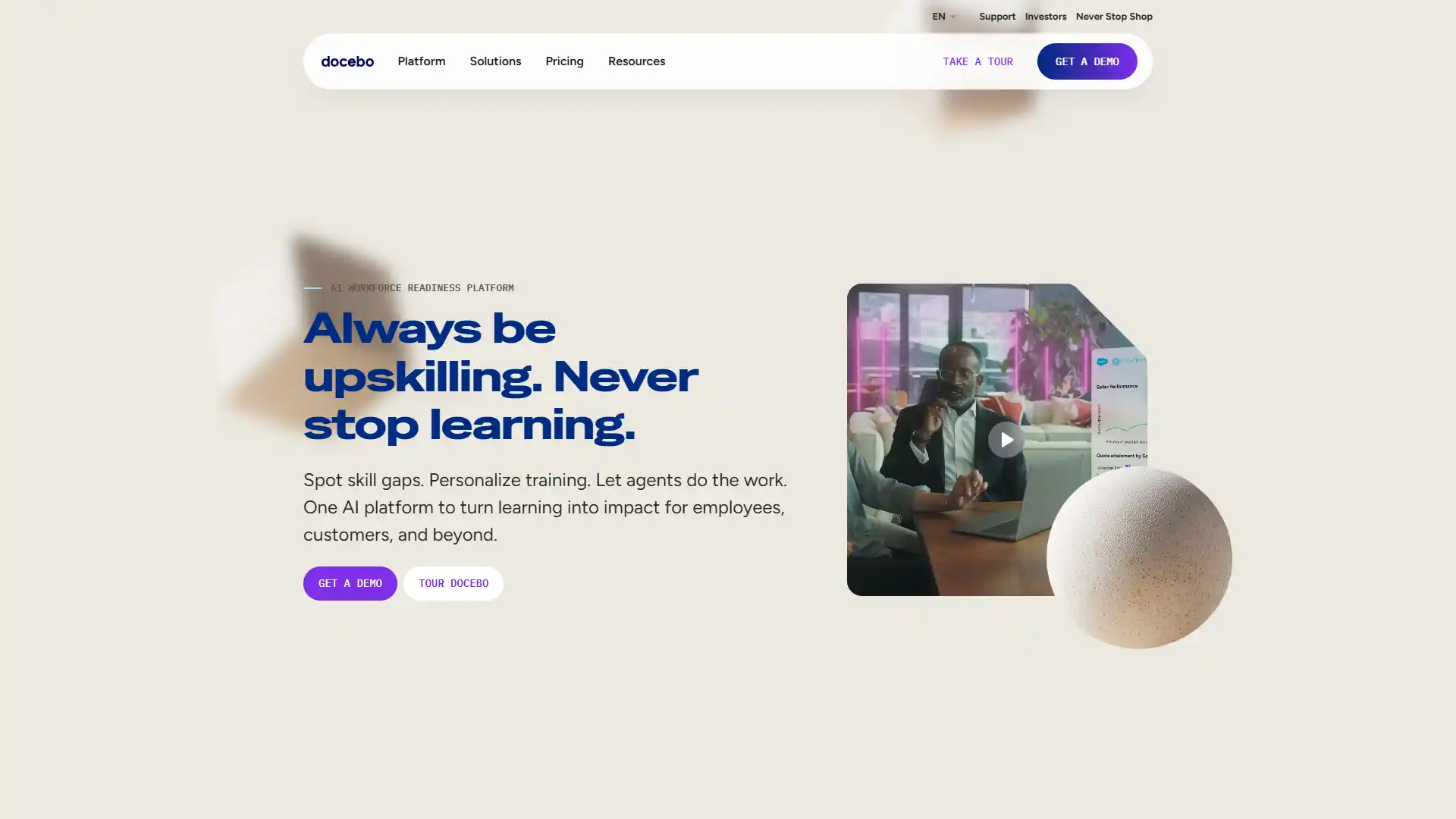
Best For
AI-powered scalable corporate learning.
Pricing
Custom.
Key AI features: AI Video Presenter, automated course generation, an agentic integration marketplace ("Harmony").
Who should use it: Enterprises running large-scale, ongoing L&D programs.
Pros
- Deep personalization of learning curricula.
Cons
- High cost of initial implementation.
38. 360Learning
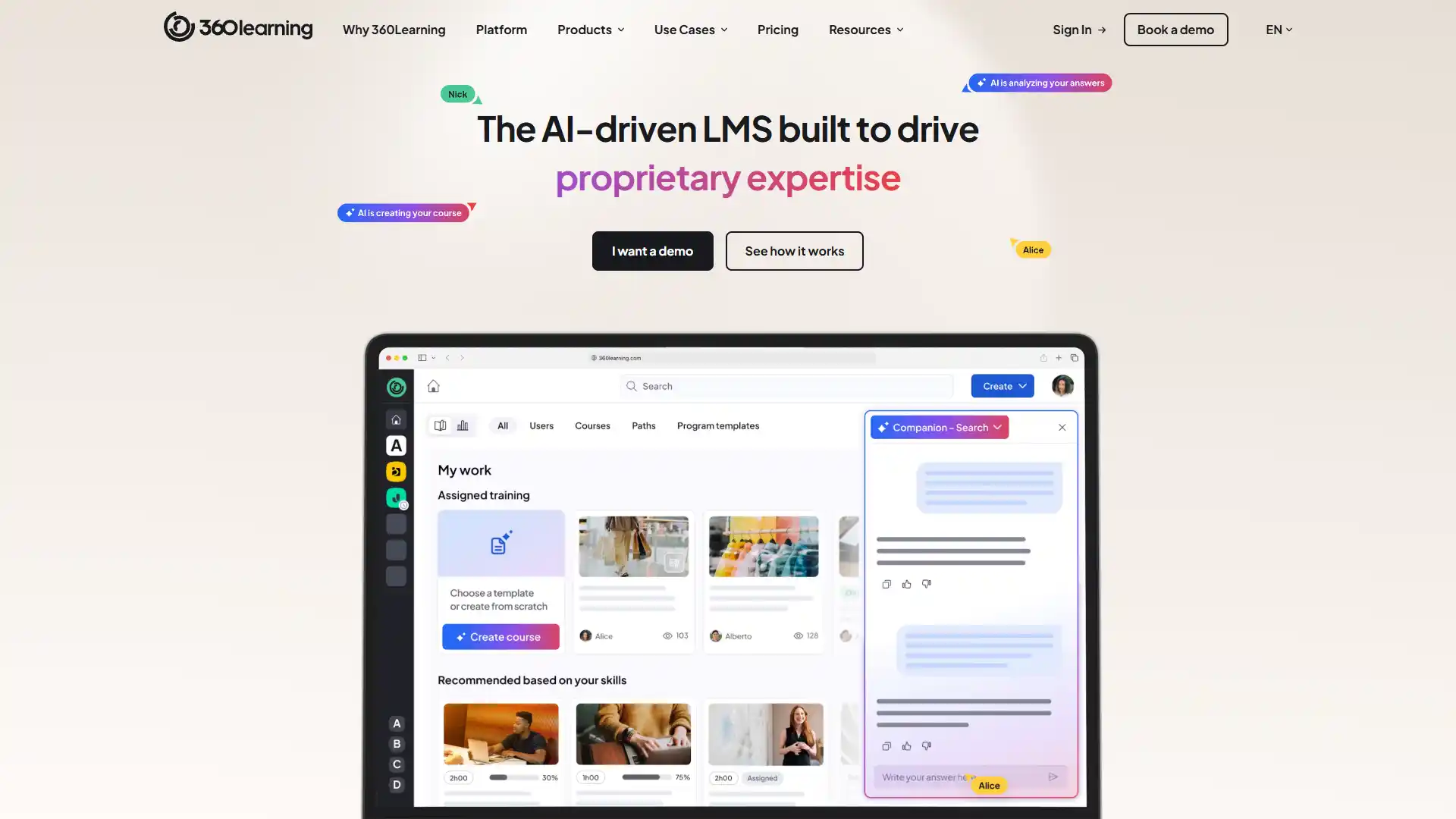
Best For
Peer-driven, collaborative learning.
Pricing
Custom.
Key AI features: Collaborative course generation, AI-driven competency mapping.
Who should use it: Companies wanting to distribute training creation across subject matter experts rather than centralizing it.
Pros
- Successfully decentralizes L&D, so the burden isn't all on one team.
Cons
- The interface can overwhelm first-time users.
39. SC Training (SafetyCulture)
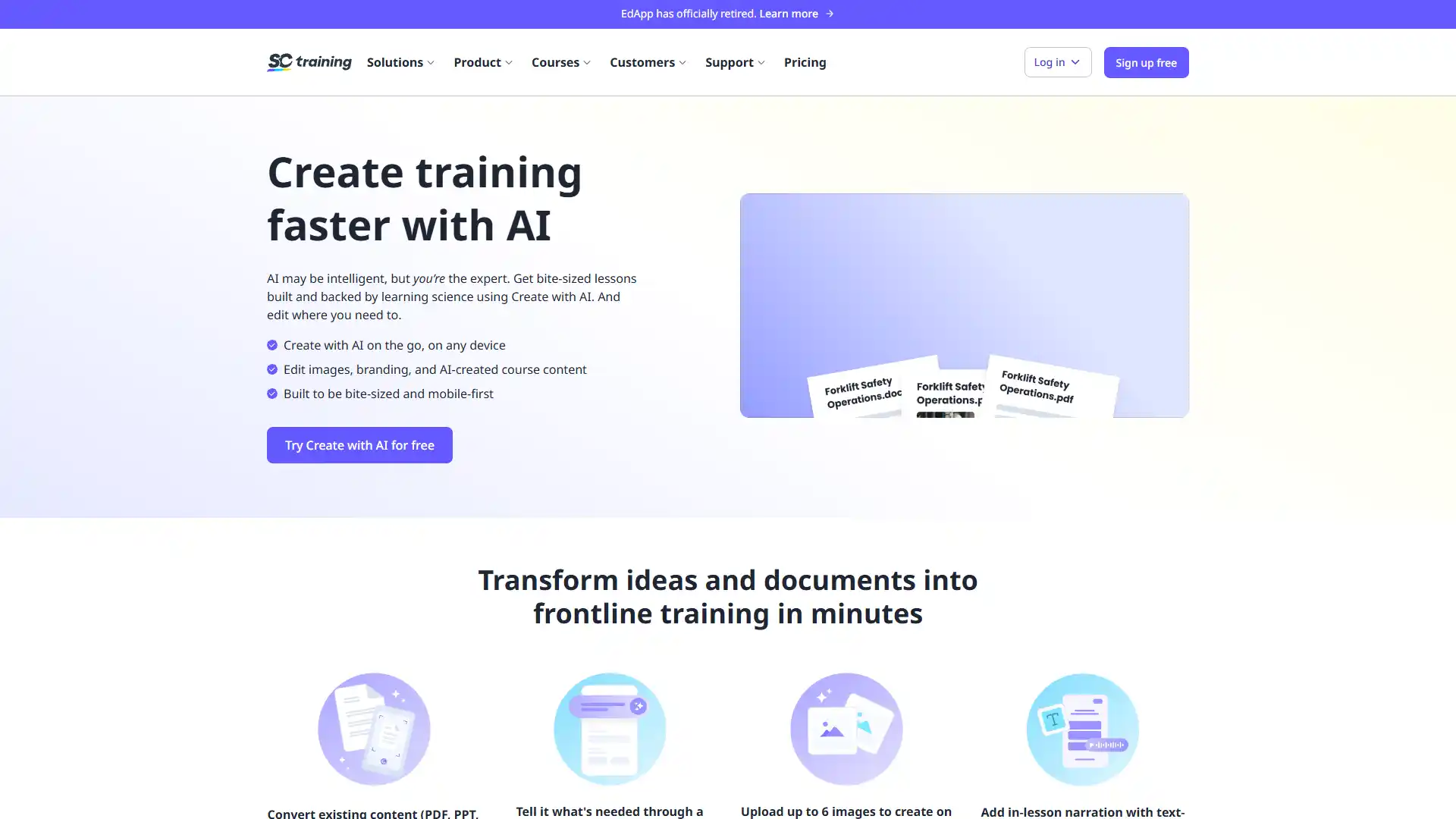
Best For
Frontline and safety compliance training.
Pricing
- Custom.
- Free tier available.
Key AI features: AI text-to-course automatic creation, rapid template deployment.
Who should use it: Frontline, retail, and safety-compliance-heavy workforces.
Pros
- Exceptionally mobile-first design built for deskless teams.
Cons
- Reporting depth is relatively basic.
40. Fuel50
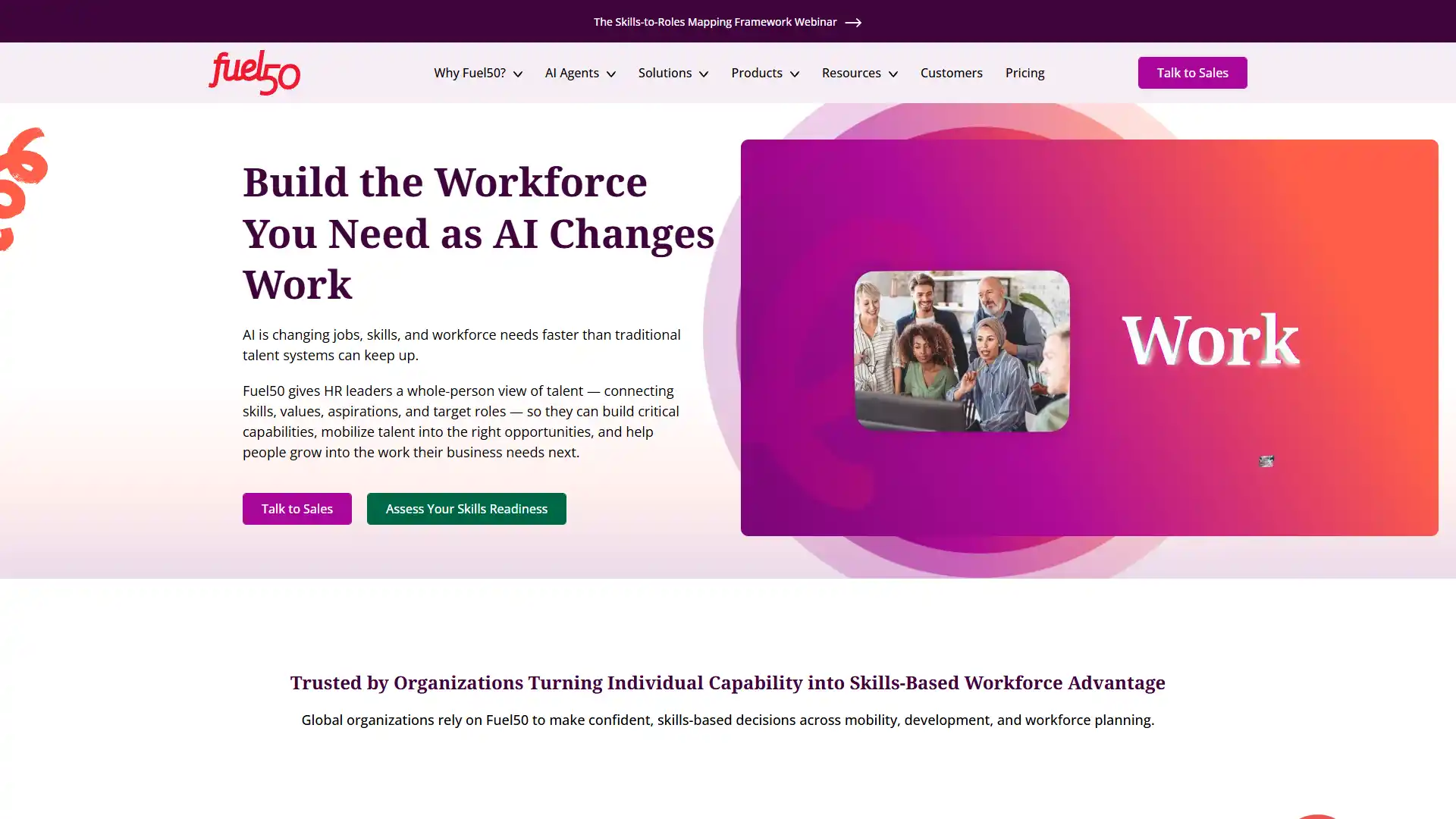
Best For
Internal talent marketplaces.
Pricing
Custom.
Key AI features: AI talent architecture and mapping, autonomous career pathing algorithms.
Who should use it: Enterprises building a formal internal mobility program.
Pros
- Seamlessly connects existing employee skills to open roles.
Cons
- Requires a lengthy change management phase to get real adoption.
41. Fuse Universal
Best For
Social, informal learning and knowledge sharing.
Pricing
Custom.
Key AI features: Deep knowledge extraction, generative search with direct answers, expert routing logic.
Who should use it: Companies wanting informal, search-driven learning over formal course structures.
Pros
- A consumer-grade search experience employees don't need training to use.
Cons
- Requires strict content governance rules to keep quality high.
42. Cornerstone OnDemand
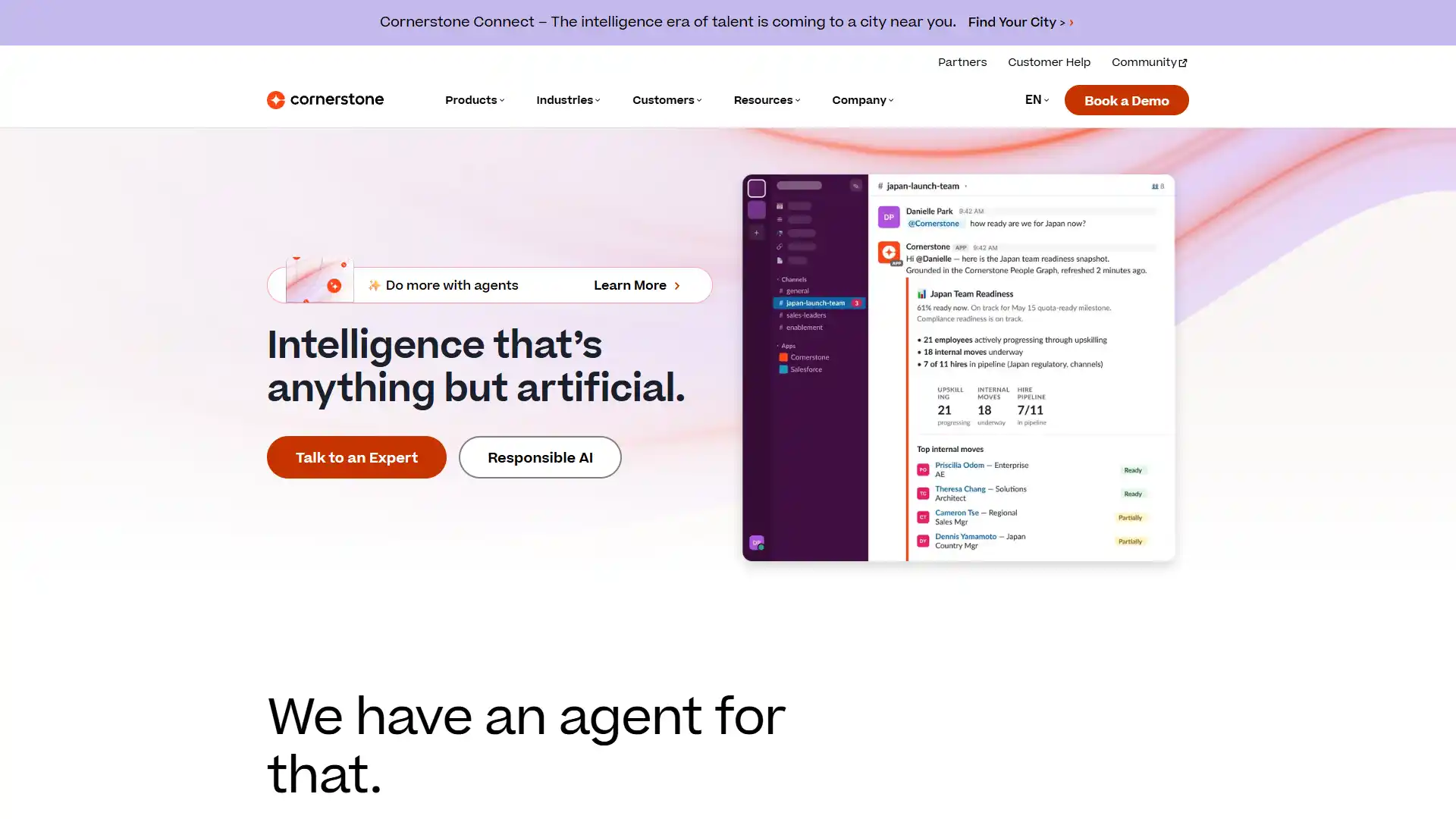
Best For
Global enterprise L&D at massive scale.
Pricing
Custom.
Key AI features: Skill graph, predictive content delivery, content summarization AI, EdCast integration.
Who should use it: Very large, global enterprises with established L&D infrastructure already built around Cornerstone.
Pros
- Unmatched content library breadth.
Cons
- The underlying system architecture feels legacy next to newer competitors.
43. Leena AI
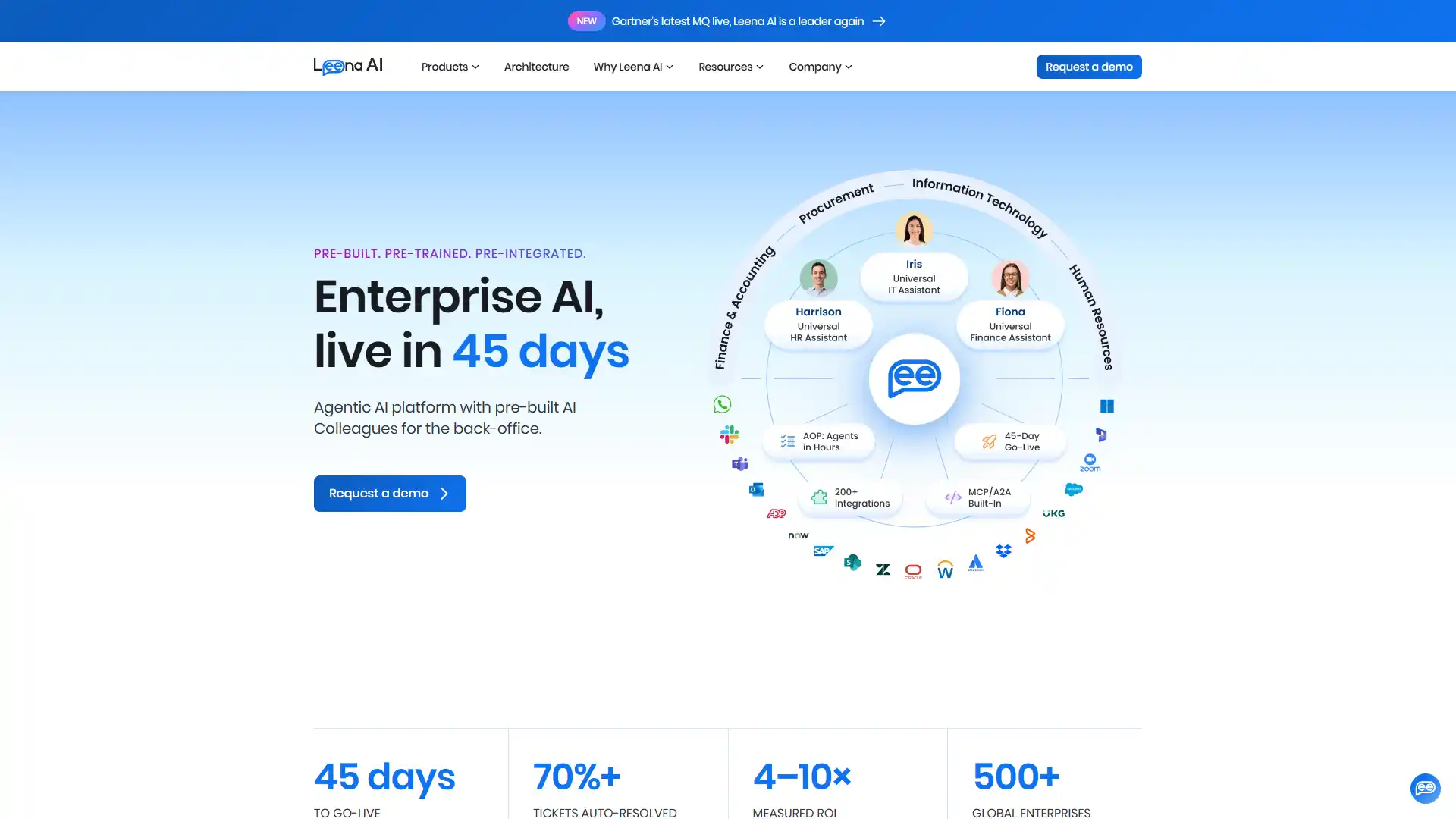
Best For
Cutting internal HR and IT support ticket volume.
Pricing
Custom.
Key AI features: Autonomous HR service desk agent, multi-app task handling ("WorkLM"), knowledge base unification.
Who should use it: Companies over roughly 500 employees fielding the same repetitive HR questions constantly.
Pros
- Reports of roughly 70% reduction in support ticket volume where adopted well.
Cons
- Generic responses on complex edge cases still need human escalation.
Category 4 comparison
| Tool | Best For | Starting Price | Free Plan |
|---|---|---|---|
| Sana Labs | Enterprise knowledge search | ~$30/user/mo | Yes |
| Docebo | Scalable corporate learning | Custom | No |
| 360Learning | Peer-driven learning | Custom | No |
| SC Training | Frontline microlearning | Custom | Yes |
| Fuel50 | Internal talent marketplace | Custom | No |
| Fuse Universal | Social/informal learning | Custom | No |
| Cornerstone OnDemand | Global enterprise L&D | Custom | No |
| Leena AI | HR/IT support automation | Custom | No |
Category 5: Foundational Automation and Generative Utilities
These aren't HR-specific platforms. They're general-purpose AI tools that HR teams increasingly rely on for the connective tissue between systems: drafting, transcribing, scheduling, and automating.
44. ChatGPT
Best For
General HR generative tasks.
Pricing
- $20/month for Plus.
- Free tier available.
Key AI features: Policy drafting, ideation generation, voice and vision integration, broad API access.
Who should use it: Any HR team drafting documents regularly, provided they keep sensitive data out of it.
Pros
- Unmatched natural language generation flexibility.
Cons
- Hallucination risk and real data privacy concerns; don't input employee PII into the consumer version.
45. Grammarly
Best For
Consistent tone across HR communications.
Pricing
- From about $12/month.
- Free tier available.
Key AI features: Tone detection, automatic rewriting, generative text drafting, centralized company style guides.
Who should use it: Any HR team sending frequent written communication to candidates or employees.
Pros
- Polishes sensitive communications like offer letters instantly.
Cons
- Can over-sanitize a company's distinct voice if used too aggressively.
46. Notion AI
Best For
HR wikis and handbook management.
Pricing
- About $10 per user/month.
- No free plan for AI features specifically.
Key AI features: Document summarization, knowledge retrieval, workspace-wide AI Q&A.
Who should use it: Companies wanting a modern, searchable home for HR documentation.
Pros
- Beautifully organized, and employees actually use it without prompting.
Cons
- Search indexing can lag on very large workspaces.
47. Otter.ai
Best For
Interview and meeting transcription.
Pricing
- From about $10/month.
- Free tier available.
Key AI features: Live meeting transcription and summarization, automated action item capture.
Who should use it: HR teams that need accurate records of sensitive conversations.
Pros
- Exceptionally accurate live transcripts.
Cons
- Storing sensitive HR conversations in the cloud raises data handling questions worth addressing with legal first.
48. Zapier
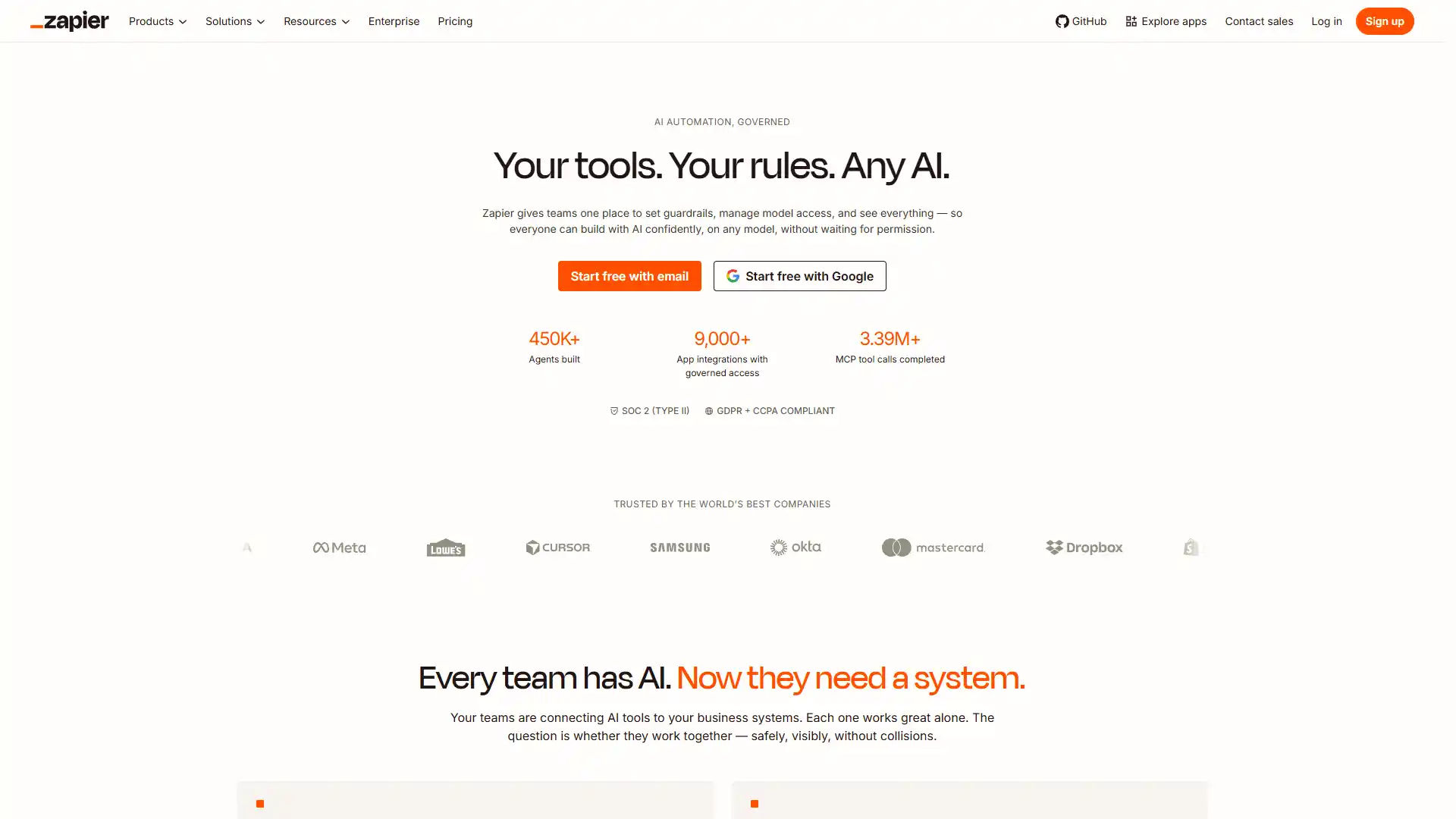
Best For
Connecting fragmented HR software.
Pricing
- From about $20/month.
- Free tier available.
Key AI features: No-code workflow logic, AI-generated automations ("Zaps") via natural language, connections to 5,000+ apps.
Who should use it: Any HR team running multiple tools that don't natively integrate.
Pros
- Eliminates manual data entry between disconnected systems.
Cons
- Complex multi-step logic gets expensive at scale.
49. Gemini
Best For
Workspace-integrated HR generation.
Pricing
- $20/month.
- Free tier available.
Key AI features: Research and complex data analysis, multimodal processing, native Google Drive search.
Who should use it: Companies already standardized on Google Workspace.
Pros
- Seamless integration with Google Docs and Sheets specifically.
Cons
- Trails ChatGPT on some complex reasoning tasks.
50. Typeform
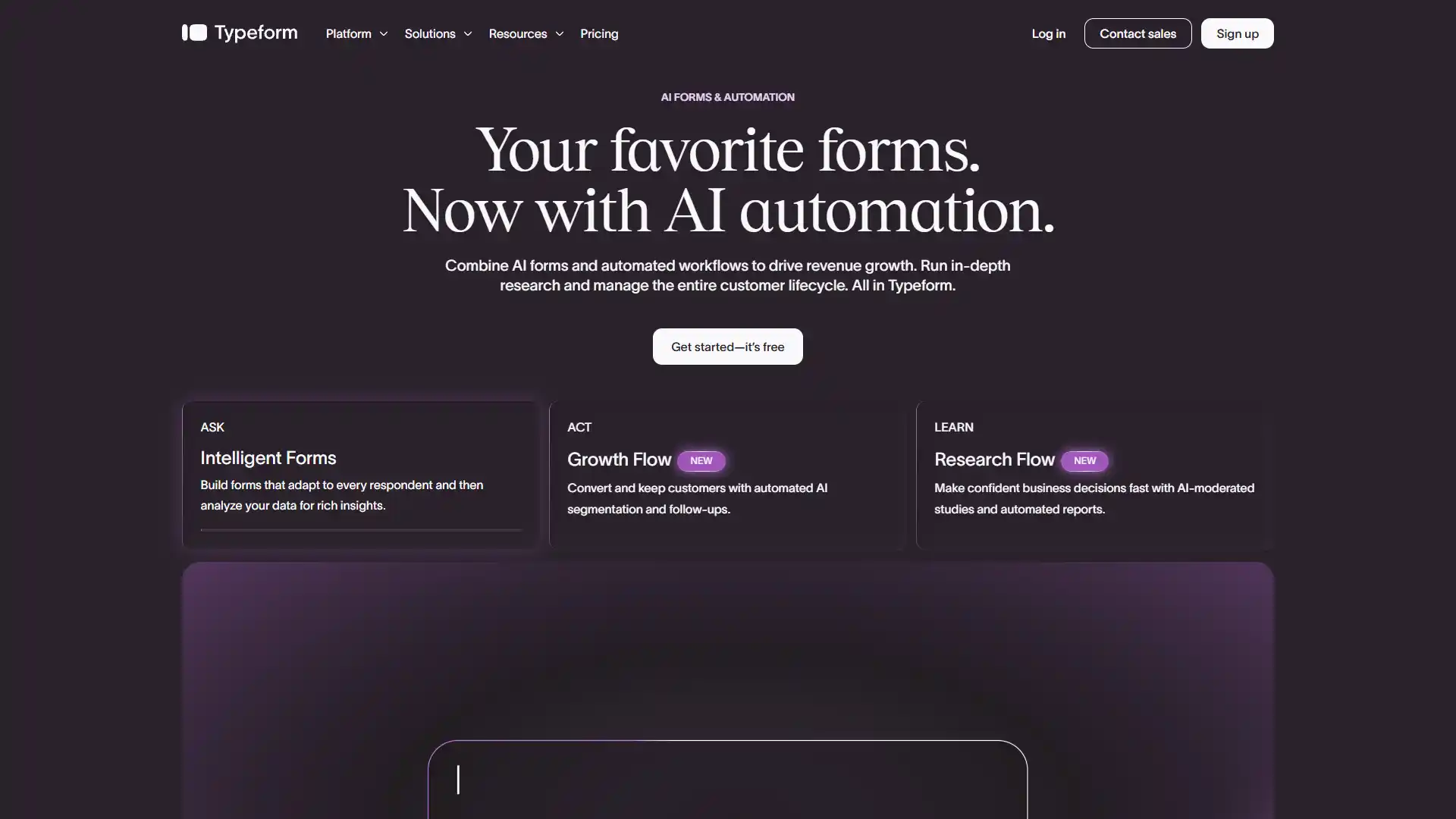
Best For
Candidate intake and exit interview data collection.
Pricing
- From about $25/month.
- Free tier available.
Key AI features: Conversational data collection logic, AI automatic form generation.
Who should use it: HR teams running candidate intake surveys or exit interviews that need real completion rates.
Pros
- Noticeably higher survey completion rates than static forms.
Cons
- Gets expensive at high response volume.
51. Calendly

Best For
Recruitment interview coordination.
Pricing
- From about $10/month.
- Free tier available.
Key AI features: Smart scheduling optimization, AI scheduling preference learning, automated meeting routing.
Who should use it: Recruiting teams coordinating high volumes of interviews.
Pros
- Removes scheduling friction almost entirely.
Cons
- Team-wide analytics are limited compared to a dedicated ATS.
Category 5 comparison
| Tool | Best For | Starting Price | Free Plan |
|---|---|---|---|
| ChatGPT | General HR drafting | $20/mo | Yes |
| Grammarly | Communication tone | ~$12/mo | Yes |
| Notion AI | HR wikis/handbooks | ~$10/user/mo | No |
| Otter.ai | Meeting transcription | ~$10/mo | Yes |
| Zapier | Workflow automation | ~$20/mo | Yes |
| Gemini | Google Workspace HR tasks | $20/mo | Yes |
| Typeform | Intake/exit surveys | ~$25/mo | Yes |
| Calendly | Interview scheduling | ~$10/mo | Yes |
How to choose the right AI HR tool for your company
By company size. Under 50 employees, start with Gusto or Zoho People plus a general AI assistant like ChatGPT or Gemini. 50 to 500, look at Rippling, Lattice, or Workable for a dedicated system per function. 500-plus, you likely need category specialists (Eightfold for recruiting, Culture Amp for engagement, Visier for analytics) rather than one tool trying to do everything.
By budget. If a vendor won't give you a real price without a sales call, budget for enterprise-level spend. That's true across most of this list, which is a real problem in this market, and worth pushing back on during negotiations.
Build vs. buy. Before signing a year-long contract with a niche platform, test whether ChatGPT, Gemini, or Zapier already solves 80% of what you need. A lot of HR teams overpay for a dedicated tool when a general-purpose assistant, used well, gets most of the way there.
Compliance checklist. Before buying anything that touches hiring decisions, ask directly:
- Do you conduct independent bias audits? (Required under NYC Local Law 144 for tools used in NYC hiring.)
- How do you handle EU AI Act Annex III classification, if you operate in the EU?
- Where is candidate and employee data stored, and for how long?
- Can a human always override the AI's recommendation?
If a vendor can't answer these clearly, that's a red flag, not a detail to sort out later.
AI in HR: the data
A few numbers worth knowing before you walk into a budget meeting:
- More than half of organizations, 54%, haven't adopted any form of AI in HR and have no plans to in 2026, according to SHRM's State of AI in HR 2026 report.
- Where adoption exists, recruiting leads at 27% of organizations, followed by HR technology, learning and development, and employee experience, per the same SHRM research.
- Gartner's research found only 1 in 50 AI investments deliver transformational value, and only 1 in 5 deliver any measurable ROI at all.
- Microsoft's 2026 Work Trend Index found only 16% of AI users have actually redesigned their workflows around AI. Most are bolting AI onto processes that haven't changed.
- Stanford HAI's AI Index found 88% of organizations use AI in at least one business function, but gains vary sharply by task. Structured tasks see the biggest lift; unstructured, judgment-heavy work, most of HR, sees far smaller gains.
The pattern across all of this: buying the tool is the easy part. Redesigning the workflow around it is what actually produces results, and most companies haven't done that step yet.
Common mistakes when choosing HR AI software
Buying a chatbot and calling it AI transformation. A scripted FAQ wrapper isn't the same as a model that learns.
Skipping the compliance question until legal asks. By then you've already signed the contract.
Ignoring rollout time. Some platforms above take 8 to 12 weeks to configure properly. Budget for that, not just the license fee.
Buying enterprise-grade software for a 15-person team. Match the tool to your actual hiring and headcount volume, not the vendor's sales pitch.
Stacking five overlapping tools. Half the tools on this list do some version of "AI feedback summary." Pick one per category, not three.
Final verdict
If you're doing high-volume recruiting, HireVue or Paradox will save you the most hours. If retention is your bigger problem, Culture Amp earns its price tag. If you're an SMB just trying to get payroll and onboarding off spreadsheets, Gusto is still the easiest place to start. If budget is the real constraint, Zoho People and ChatGPT's free tier cover more ground than most people expect.
But the biggest lesson from the data isn't which tool to buy. It's that buying the tool is only step one. Redesign the workflow around it, or you'll end up in the 84% of AI users who never actually change how they work, and never see the return.
Frequently Asked Questions
Quick answers to the most common questions from this article.
01What is the best AI tool for HR in 2026?
It depends on the function. HireVue and Eightfold AI lead recruiting. Lattice and Culture Amp lead engagement and performance. Gusto and Rippling lead AI-embedded payroll and HR ops. Leena AI leads chatbot-based employee support.
02Can HR use ChatGPT?
Yes, for drafting job descriptions, policy language, and review content. Don't input employee PII unless you've confirmed the data handling terms with legal first.
03Is AI replacing HR jobs?
No. AI handles repetitive tasks like resume screening and ticket routing. The final hiring decision, and the judgment calls around it, still need a human.
04Is AI resume screening legal?
Yes, but it's regulated. NYC Local Law 144 requires independent bias audits for hiring algorithms used in New York. The EU AI Act classifies recruitment AI as high-risk. Keep a human in the loop on final decisions.
05How much do AI HR tools cost?
Wildly variable. SMB tools like Gusto or Zoho People start under $50/month. Enterprise platforms like Eightfold or Workday are custom-quoted and often run into five or six figures annually.
06What is agentic AI in HR?
Software that takes multi-step action on its own, sourcing, screening, and scheduling candidates without a human triggering each step. Eightfold's internal mobility routing and Leena AI's multi-app task handling are early examples.
07Are there free AI tools for HR?
Yes. ChatGPT, Gemini, Zapier, Zoho People, and Deputy all offer usable free tiers. None replace a dedicated HRIS, but they cover a lot of ground for free while you evaluate paid platforms.
08How many AI HR tools should a company actually use?
Fewer than you'd think. Most companies need one platform per core function, HRIS, ATS, engagement, and L&D, plus a general AI assistant. Beyond that, tools start overlapping and adoption drops.